> For clean Markdown of any page, append .md to the page URL.
> For a complete documentation index, see https://docs.rydhm.ai/llms.txt.
> For AI client integration (Claude Code, Cursor, etc.), connect to the MCP server at https://docs.rydhm.ai/_mcp/server.
# Website widget
The website widget is a bubble in the corner of your site. Visitors open it to talk to your expert by voice or by text, with no account. It uses the same conversation panel as your expert's [public page](/channels/public-links).
Only admins and the owner can make an expert live, style its widget and set where it may appear. See [Members and roles](/workspace/members).
## Add the widget to your site
#### Make the expert live
Open the expert and select **Make live** in the header. Under **Who can talk to it**, choose **Live** (anyone with the link, and your website) or **Live and listed** (also listed in the directory), then confirm. The widget only works for a live expert.
#### Copy the snippet
In the same dialog, copy the **Website widget code**. You can copy it again any time from the expert's **Share** tab, under **Share link**.
#### Paste it into your site
Put the snippet in your page's HTML, anywhere in the body. The bubble appears in the bottom-right corner.
#### Limit where it can appear
On the **Share** tab, add your site under **Allowed websites**. See [Allowed websites](#allowed-websites).
The snippet looks like this. Copy yours from the dialog, so the expert's link is right:
```html
```
> **Note**
>
> **Rydhm is in early access.** Until launch, workspaces on `staging.rydhm.ai` load the widget from `https://staging.rydhm.ai/widget.js`. The code you copy from the app already has the right address.
| Attribute | What it does |
| ----------- | -------------------------------------------------------------------------------------------------------------------------------------------------------------- |
| `expert` | Required. The expert's link name, as in its share link |
| `variables` | Optional. A JSON object of values for the `{{variables}}` in the expert's instructions, like `variables='{"plan":"Pro"}'`. Up to 20, each up to 200 characters |
| `language` | Optional. A two- or three-letter language code, like `es`, to start in that language |
When the expert's instructions use variables, the dialog's snippet already includes a `variables` example. For more on embedding, see [Embed](/developers/embed).
## How it behaves
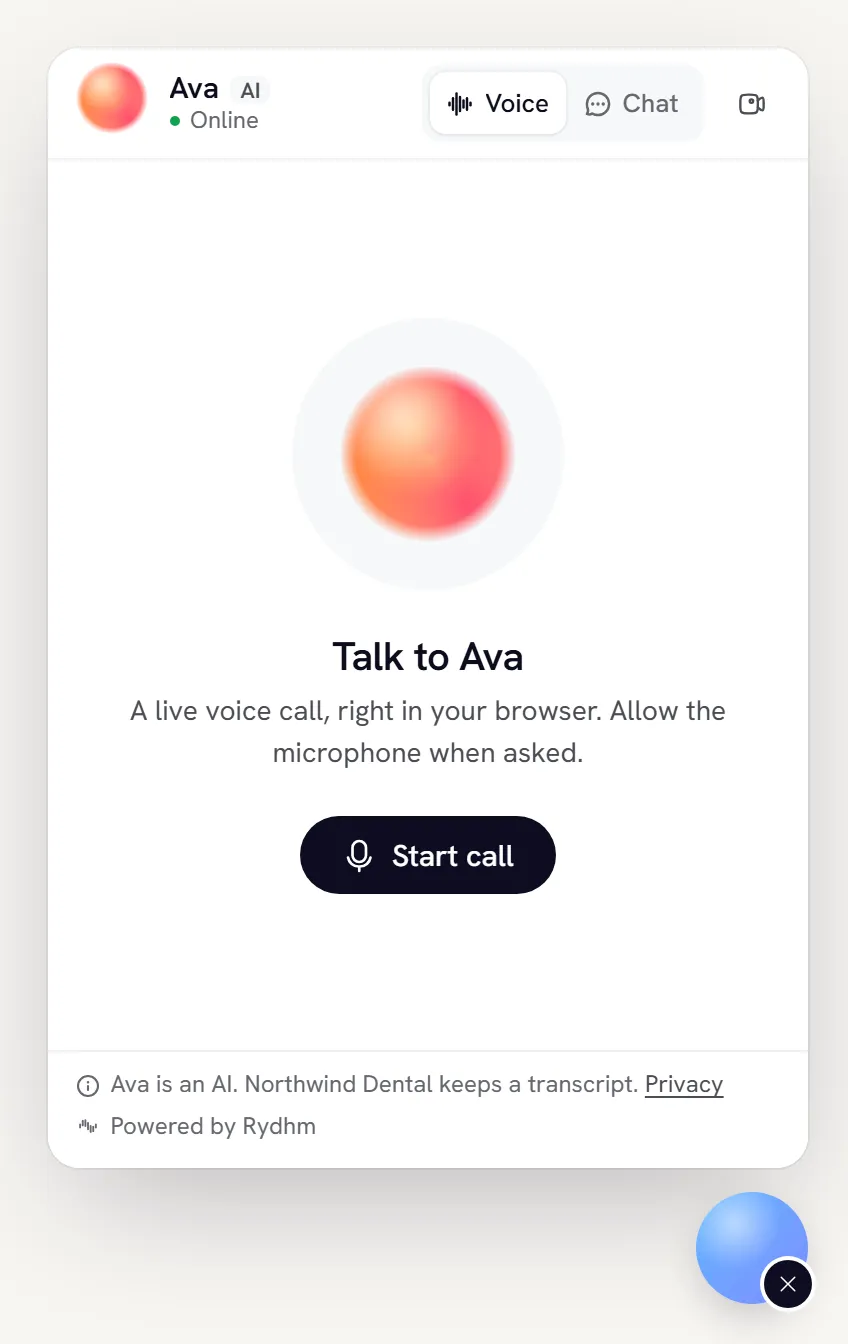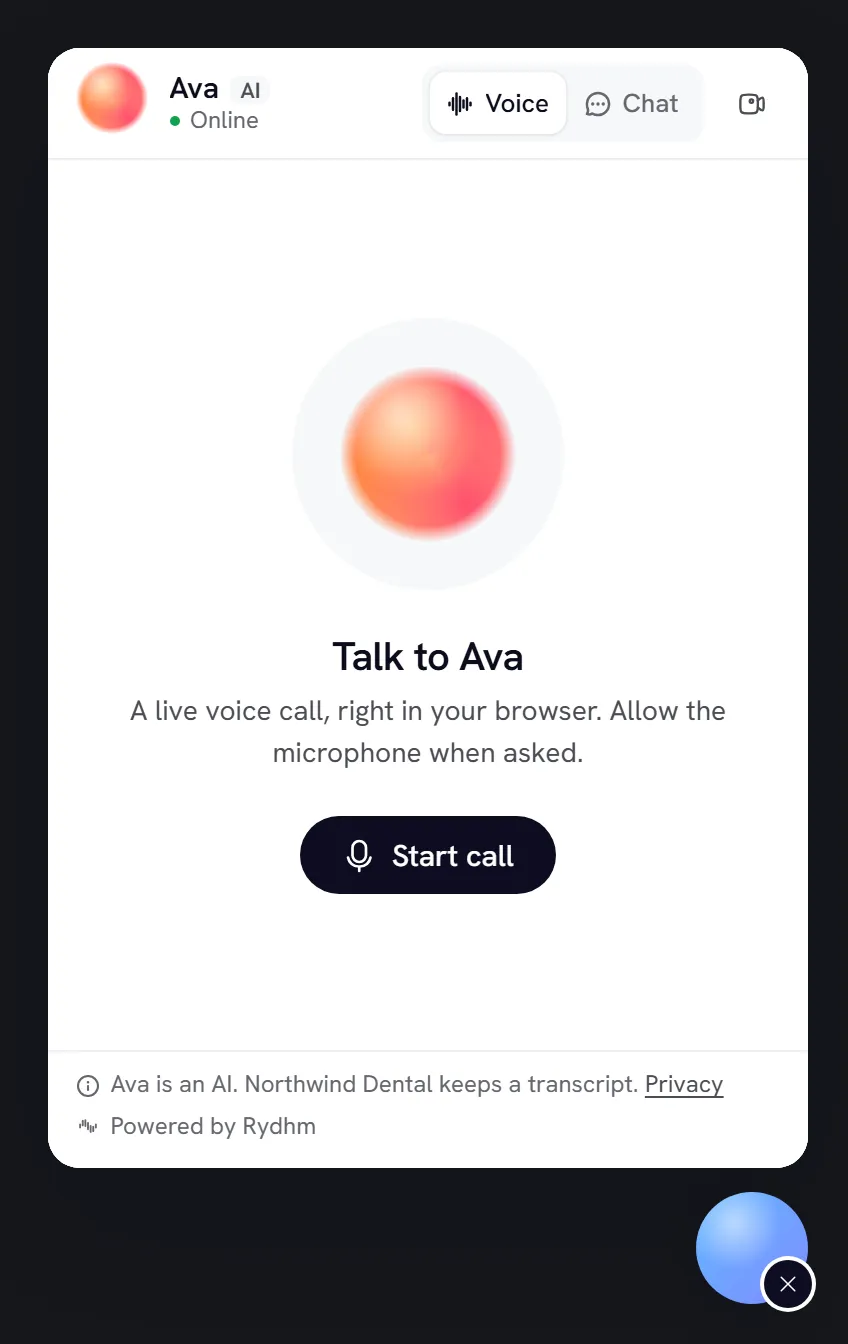
* The panel loads only when a visitor first opens the bubble. Until then there's no microphone prompt and no session.
* Visitors can talk or type, depending on the expert. A live voice call asks for the microphone.
* Closing the panel, or pressing Escape, ends a live call.
* A visitor can rate replies and calls, and comment. See [Public links](/channels/public-links#visitor-feedback).
* If the expert is a draft or the site isn't allowed, the bubble doesn't appear at all. Visitors see no error.
> **Note**
>
> Widget visitors are anonymous. The expert answers from its knowledge, and can search the web if you turned that on, but your workspace's other tools never run for them.
## Style the widget
On the expert's **Share** tab, under **Website widget**:
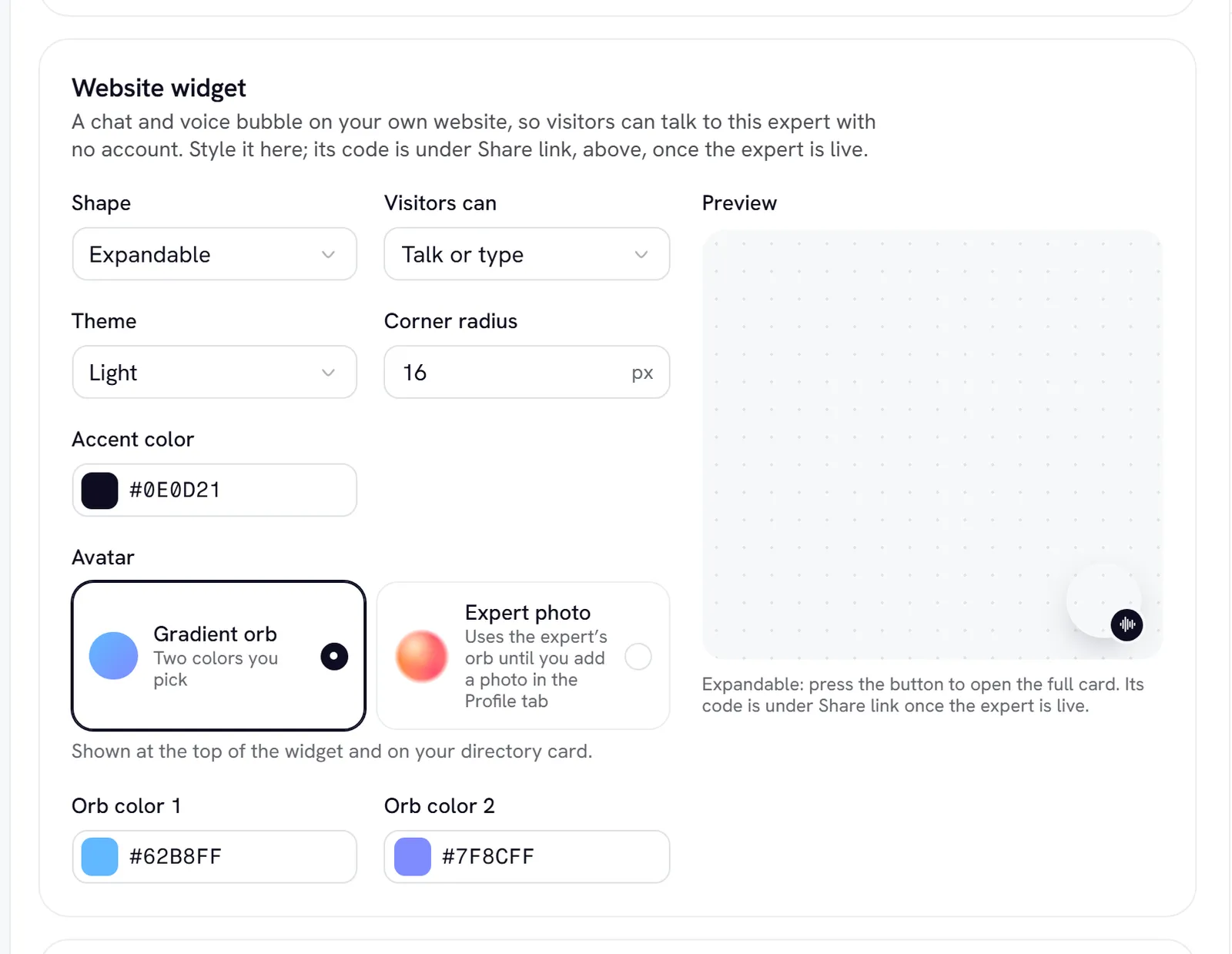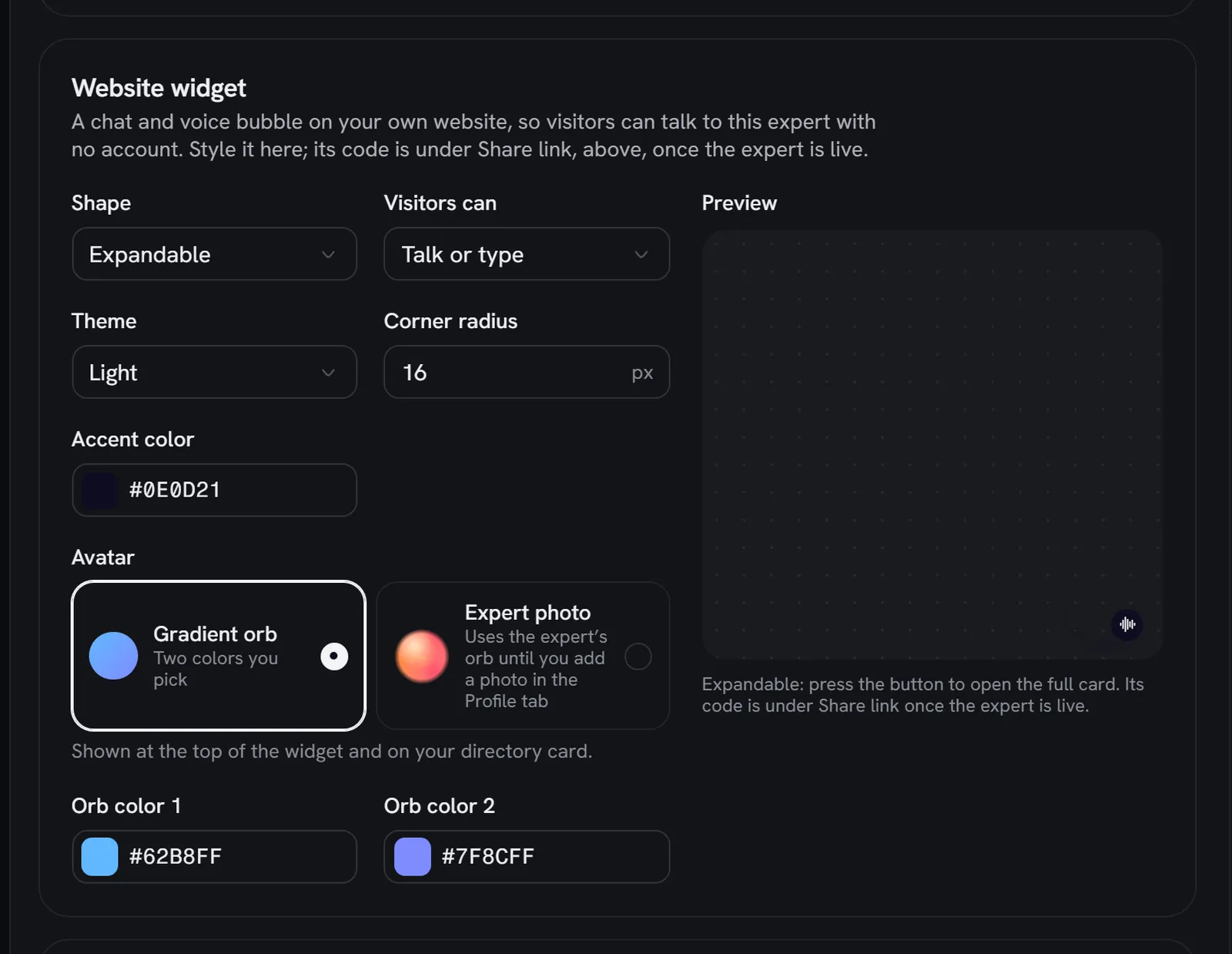
| Setting | Options | Default |
| ----------------- | ----------------------------------------------------------------------------------------------------------------------------- | -------------- |
| **Variant** | **Compact bubble** (a pill: "Talk to (name)"), **Expandable** (a round avatar), **Full card** (opens on load on wide screens) | Expandable |
| **Modality** | **Voice and text**, **Voice only**, **Text only** | Voice and text |
| **Theme** | **Light**, **Dark**, **Match the visitor's system** | Light |
| **Corner radius** | 0 to 32 px | 16 px |
| **Accent color** | A hex color, like `#2B9CF0` | `#0E0D21` |
| **Avatar** | **Gradient orb** with **Orb color A** and **Orb color B**, or **Expert photo** | Gradient orb |
Under **Interface**:
* **Greeting**: shown and spoken first. Leave it blank to use the expert's first message.
* **Show live transcript**: shows the words as they're spoken during a call.
* **Let visitors send it to meetings**: lets visitors invite the expert into their own meeting. See [Meetings](/channels/meetings#visitors-on-your-public-page).
Save the expert to apply changes. Sites that already have the widget pick up the new style within about a minute. You don't need to change the snippet.
## Allowed websites
By default, a live expert's widget works on any site. To stop others from putting your expert on their site and spending your credits, list the sites that may show it.
#### Open the list
On the expert's **Share** tab, find **Allowed websites**.
#### Add your sites
Type a site into **Websites** and select **Add**. Up to 20 sites.
#### Save the expert
The list applies to the widget and to every call or chat it starts.
How entries match:
| Entry | Matches |
| --------------------- | --------------------------------------------------------------------------------------------------------------------------- |
| `example.com` | `http://example.com` and `https://example.com` |
| `https://example.com` | Only `https://example.com` |
| `*.example.com` | Every subdomain, like `www.example.com` and `shop.example.com`, but **not** `example.com` itself. Add both if you need both |
| `localhost:3000` | Local testing on that port. Plain `localhost` only matches the default ports |
Paths are ignored. Wildcards over a whole domain ending, like `*.com`, are refused.
To set a default for all experts, go to **Settings → General → Websites that can embed your experts**. An expert's own list **replaces** the workspace default. It isn't added to it.
> **Warning**
>
> An empty list means any site. On a site that isn't allowed, the bubble doesn't appear and any call or chat it tries is refused. Your [share link](/channels/public-links) keeps working wherever it's opened.
## Troubleshooting
* **No bubble on your site.** Check that the expert is live and that your site's address is in **Allowed websites**, with the right subdomain. Your browser's console shows: `Rydhm: this website is not allowed to embed the expert "…"`.
* **You reset the expert's link.** The old link name in your snippet stops working. Copy the new snippet. See [Reset a link](/channels/public-links#reset-a-link).
* **Visitors are told to try again later.** Many people are talking to this expert at once, or a visitor hit a rate limit. See [Public links](/channels/public-links#limits).
Widget calls cost the same as web calls, and chats are charged by tokens. See [Billing](/workspace/billing).
## Related
* [Public links](/channels/public-links)
* [Chat](/channels/chat)
* [Embed (for developers)](/developers/embed)