

MCP
Every expert is also a Model Context Protocol (MCP) server. Point Claude Code, Claude Desktop, Cursor or any MCP client at it, and the client can ask the expert questions, search its knowledge and read its conversations.
The server uses your normal API keys and scopes.
The endpoint
Each expert has its own URL:
The MCP endpoint is not under /v1. Find an expert’s id, and a ready-made URL, in Developers → MCP.
- Transport: Streamable HTTP. The server is stateless: every
POSTis a complete JSON-RPC exchange, and there are no sessions. - Replies: server-sent events. Your client must send
Accept: application/json, text/event-stream; anything else gets406. - Other methods:
GETandDELETEanswer405, since there is no standalone stream and no session to end. - Batches: a batch can carry at most 10 messages and at most one
tools/call. Send each tool call as its own request.
Authentication
Send an API key as a Bearer token, as with the rest of the API:
The key needs Use as an AI tool (MCP) (mcp:use) plus the scope of each tool you want. A tool the key has no scope for is not listed at all. Create the key in Developers → API keys; see Authentication.
A key limited to some experts can reach only those experts’ MCP endpoints. Another expert’s id answers 403 expert_not_allowed, and an id from another workspace answers 404.
Tools
The ask tool is named after the expert: ask_ plus its public link name, or its name, in lowercase letters, digits and underscores. An expert called “Ava Support” gets ask_ava_support. Developers → MCP shows the exact name.
Tool inputs
Each result has a text answer for the model, and the same data as structuredContent. The ask tool returns answer, conversationId and expert; pass conversationId back to keep one conversation going.
How answers work
- The expert answers from its persona and knowledge only. An MCP client is outside your workspace, so the expert never runs your workspace’s tools on its behalf.
- Each ask is a model call, metered like a chat on the
apichannel. The conversation appears in Conversations with the rest. - One key can have at most 3 asks running at once. A fourth answers with a tool error until one finishes.
- The endpoint allows 120 requests a minute per workspace and 60 per key. See Rate limits.
Set up your client
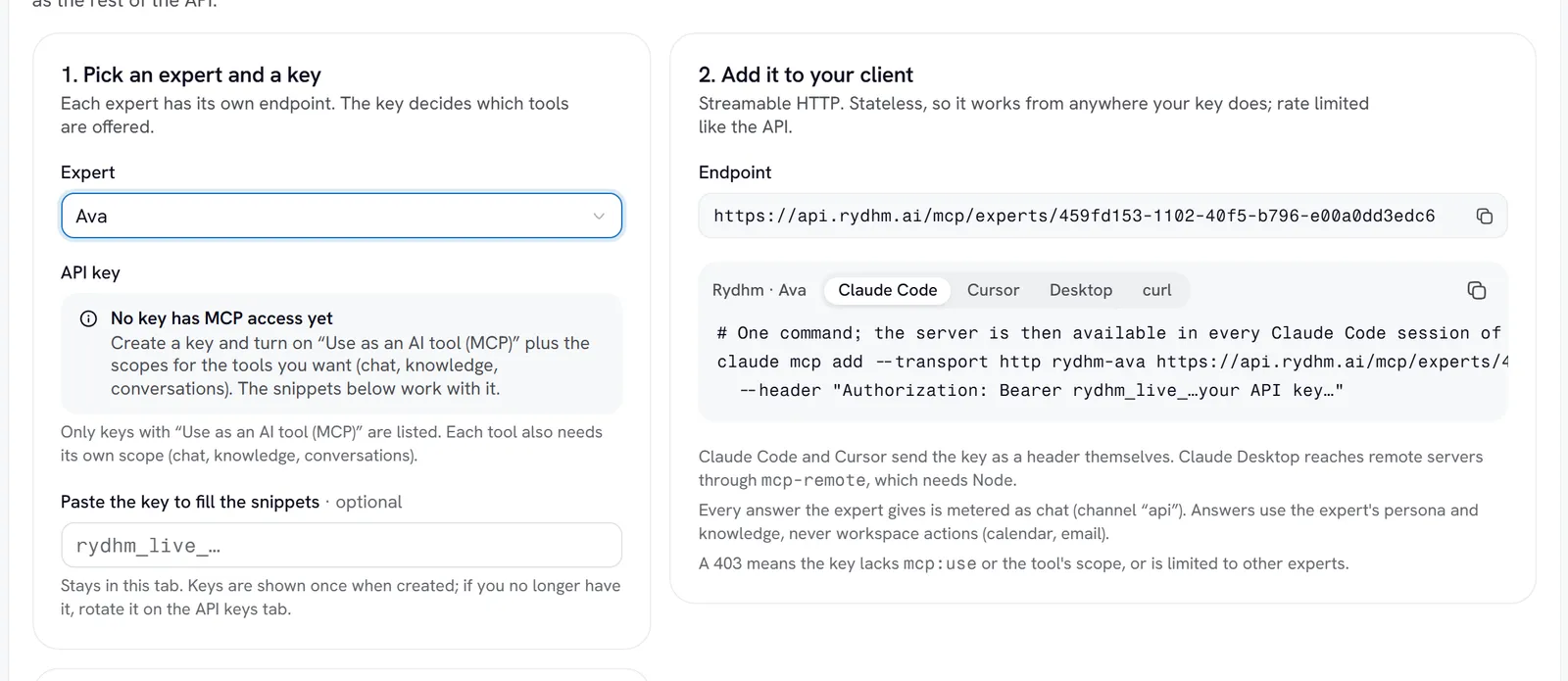
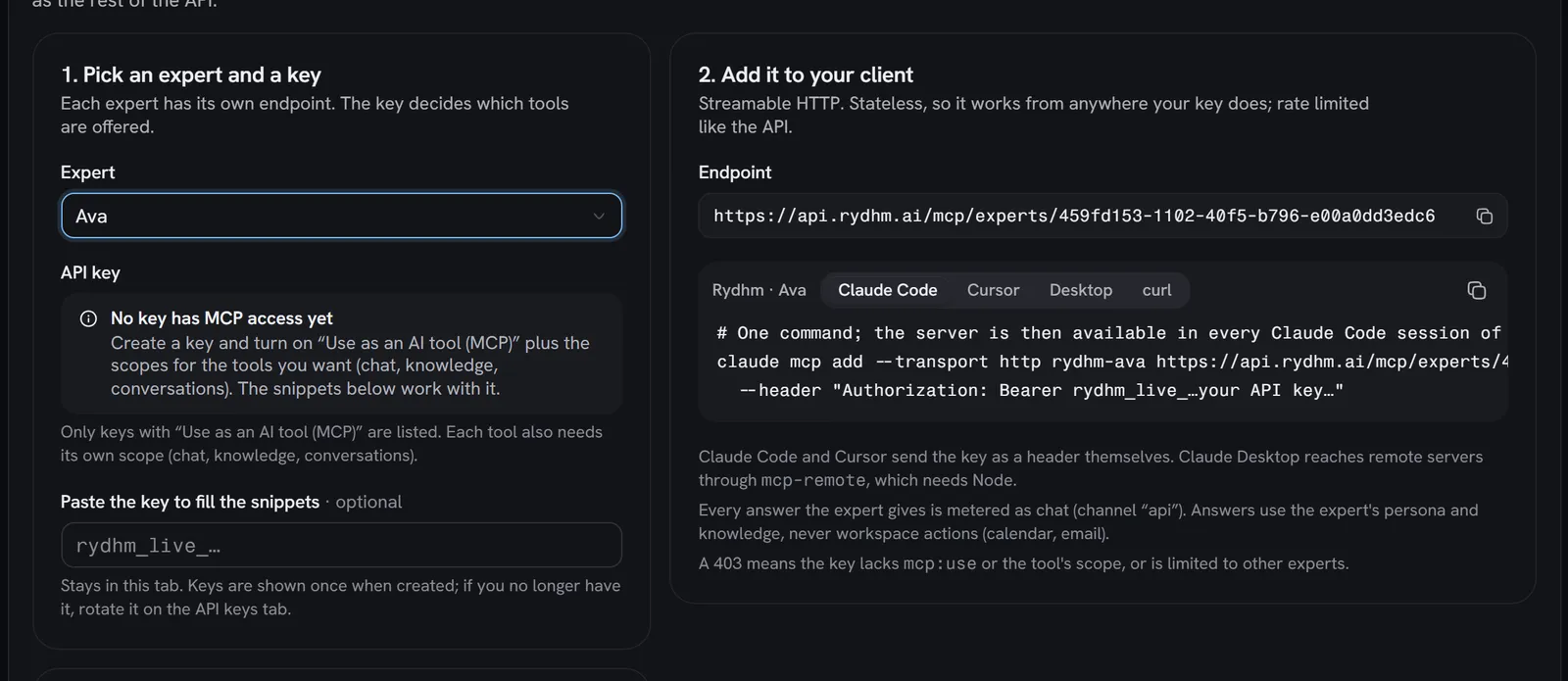
Developers → MCP builds these snippets for you: pick an expert and a key, and optionally paste the key so it is filled in. The pasted key stays in your browser.
In the snippets below, replace <expert id> and the key. The server name (rydhm-ava-support here) is up to you.
Claude Code
Cursor
Claude Desktop
The server is then available in every Claude Code session of this project.
These files hold your API key in plain text. Use a key with only the MCP scopes you need, limit it to the experts you want to share, and keep the files out of version control.
Try it with curl
List the tools the key can use:
The reply is one server-sent event:
Call a tool:
You don’t need to send initialize first: each request stands alone. A full MCP client still sends it, and the server answers with its name (rydhm-expert) and instructions that describe the expert.
MCP the other way round
This page is about using your experts from MCP clients. Experts can also use outside MCP servers during conversations, set up on the expert’s Tools tab. See Tools.