

Webhooks
Webhooks tell your systems about events as they happen: a meeting ended, a summary is ready, a document finished processing. Rydhm sends each event as a JSON POST to the endpoints you choose.
Deliveries follow the Standard Webhooks format, so any Standard Webhooks or Svix library can verify them.
Add an endpoint
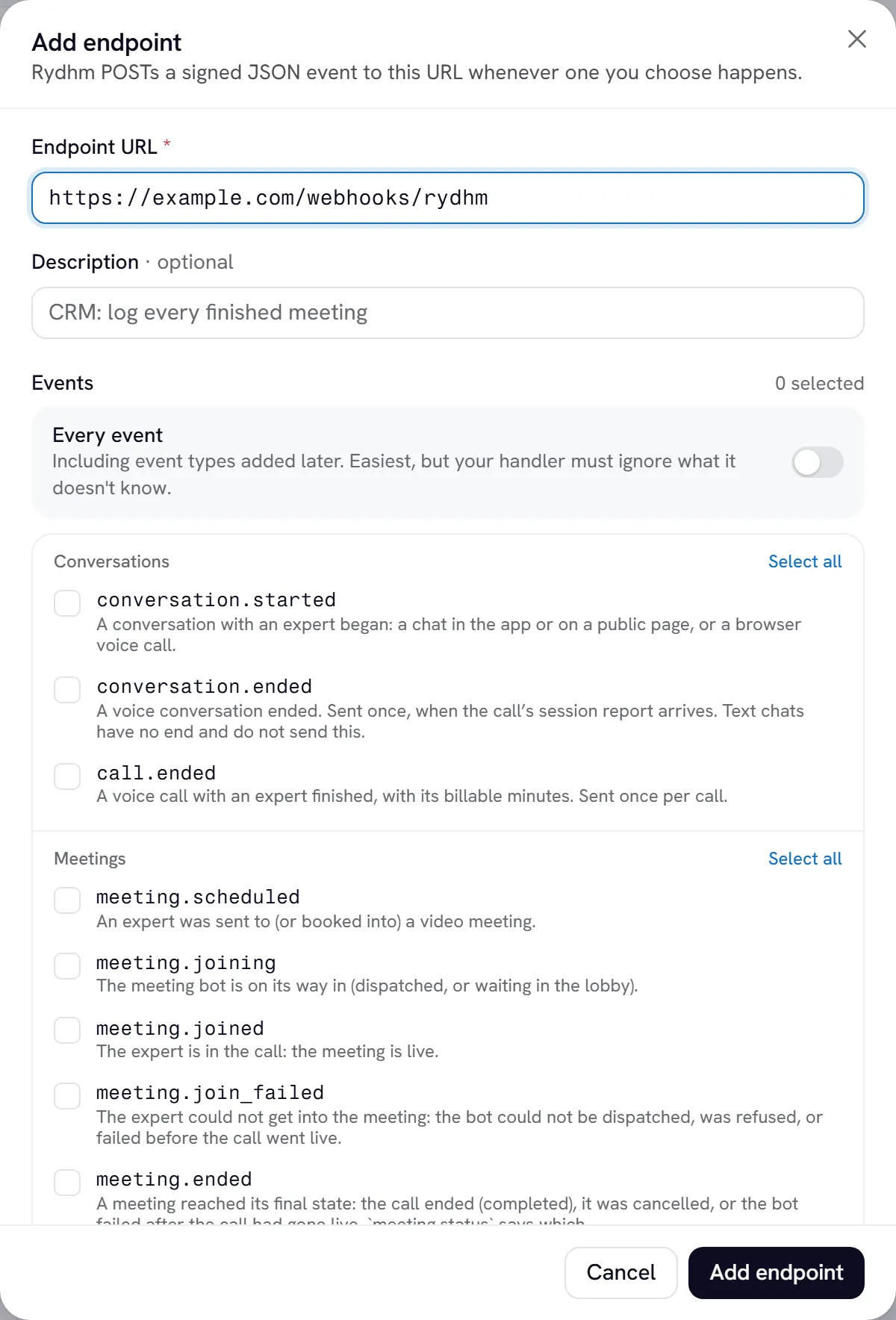
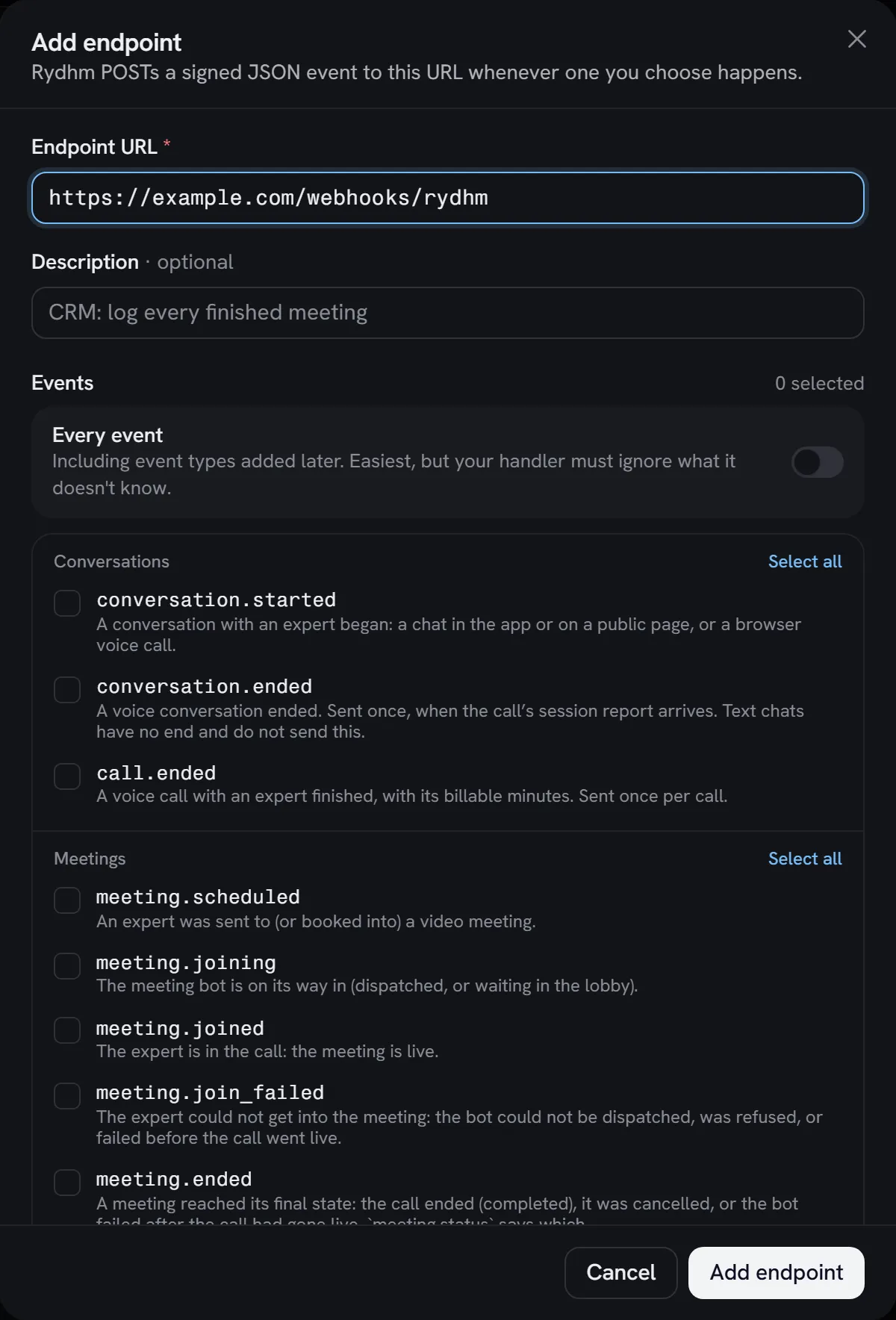
Only workspace admins manage webhooks, in the app. API keys can’t create or change endpoints.
Enter the URL
Under Endpoint URL, enter a full https:// address that the public internet can reach. Addresses with a username or password, and addresses that resolve to private or internal networks, are refused. A Description is optional.
Choose events
Under Events, pick the events you want, or Select all. Subscribing to all events also gets you event types added later.
Choose experts
Under Experts, keep All experts or pick Only these. An endpoint limited to some experts gets only the events about them.
Save the signing secret
Choose Add endpoint. Copy the Signing secret (whsec_…) and store it with your server’s other secrets. You need it to verify deliveries.
A workspace can have up to 10 endpoints. To check an endpoint, open it and choose Send test event. Rydhm sends a webhook.test event to that endpoint only, even if it doesn’t subscribe to it.
Events
Every meeting that reaches a final state sends exactly one of meeting.ended or meeting.join_failed.
The payload
Every delivery has the same envelope:
What data contains
Payloads carry ids, names, statuses, timestamps, counts and links. They never carry a transcript, a message, an expert’s instructions, tool arguments or anything secret. To get the full record, call the API at data.links.api with a key that has the right scope. data.links.app opens the same record in the app.
Most events carry expert_id and expert (id and name).
A payload larger than 256 KB is replaced by a stub with truncated: true, the expert_id and the links. Fetch the record through links.api instead.
Headers
Every delivery is a POST with these headers:
Verify the signature
Check every delivery before you trust it. The signature is an HMAC-SHA256, computed like this:
- Take the signing secret, remove the
whsec_prefix and base64-decode the rest. That is the HMAC key. - Build the signed content:
{webhook-id}.{webhook-timestamp}.{raw body}. - Compute HMAC-SHA256 of the content with the key, and base64-encode it.
- Compare it with each
v1,entry inwebhook-signature. Any match is valid. - Reject the request if
webhook-timestampis more than 5 minutes (300 seconds) from your clock. This stops replays.
Verify the raw request body, exactly the bytes you received. If your framework parses the JSON first and you serialize it again, the bytes can change and every check fails.
TypeScript
Python
Svix library
With Express, read the body raw on this route:
The same scheme signs the requests your experts send to your custom tools, with the workspace’s own secret under Developers → Webhooks → Tool call signing. The same code verifies them. See Tools.
Respond quickly
Answer with any 2xx status within 10 seconds. Do the real work in a background job.
- A
2xxmarks the delivery delivered. - A redirect (
3xx) is a failure: redirects are not followed. 410 Gonetells Rydhm to stop. The endpoint is disabled at once.- Anything else, a timeout, or a connection error is a failure and is retried.
Retries
The first attempt is immediate. After a failure, Rydhm retries on this schedule:
That is 8 attempts over about two days. Each wait varies by up to 10% so retries don’t arrive in bursts. After the last attempt, the delivery is marked dead.
Retries carry the same webhook-id, so dedupe on it. Deliveries can arrive out of order; use created_at to order events.
Disabled endpoints
An endpoint that fails 15 or more times in a row, over at least 24 hours, is disabled automatically. Workspace admins get an email and a notification in the app, and an alert opens under Developers → Alerts.
Events that happen while an endpoint is disabled are not sent to it. Fix the endpoint, then open it in Developers → Webhooks and choose Enable.
The delivery log
Open an endpoint in Developers → Webhooks to see its deliveries: status, attempt number, your endpoint’s response status, and the time. Open a delivery to see the request body, the first 2 KB of your response, and any error.
From a delivery, Resend sends the same event again, with the same webhook-id.
Deliveries and events are kept for 30 days.
Rotate the signing secret
Open the endpoint and, under Signing secret, choose Rotate. For 24 hours the old secret keeps signing too: each delivery carries two signatures, one per secret. Deploy the new secret within that window. The verification code above accepts either.
Reveal shows the current secret again if you need it.