

Phone
Give an expert a US phone number to answer calls 24/7, call people, transfer to your team and leave voicemails.
An expert with a phone number answers every call to it, day and night. It can also call people for you, hand a caller to a person on your team, and leave a voicemail when nobody picks up.
Everyone can see your numbers and calls. Only admins and the owner can get numbers, assign them and place calls. See Members and roles.
If Settings → Phone numbers says Phone calls aren’t on here yet, calling isn’t available for your workspace yet.
Get a number
Open Phone numbers
Go to Settings → Phone numbers and select Get a number. If you can also import from Twilio, select Add a number → Buy a new number.
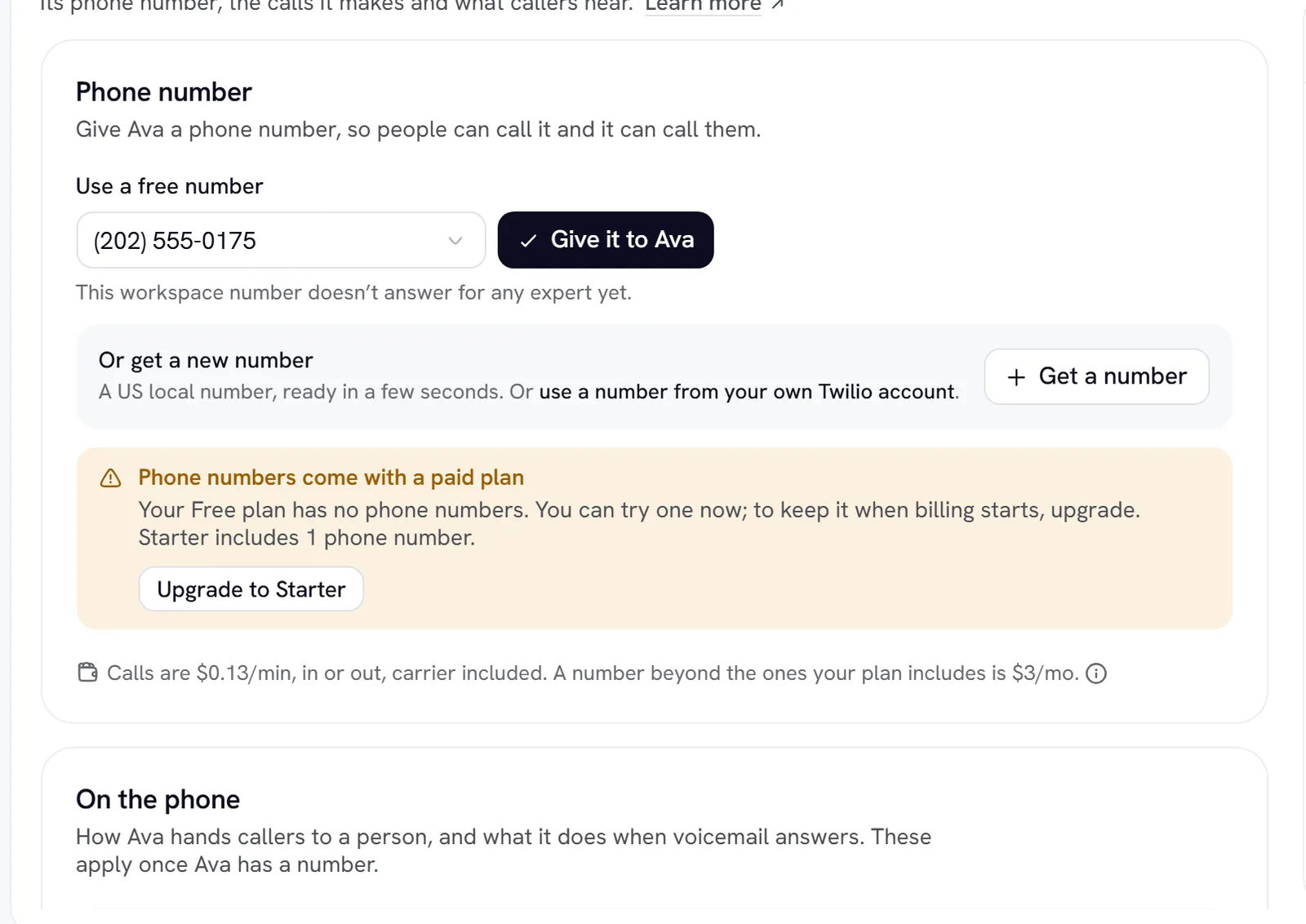
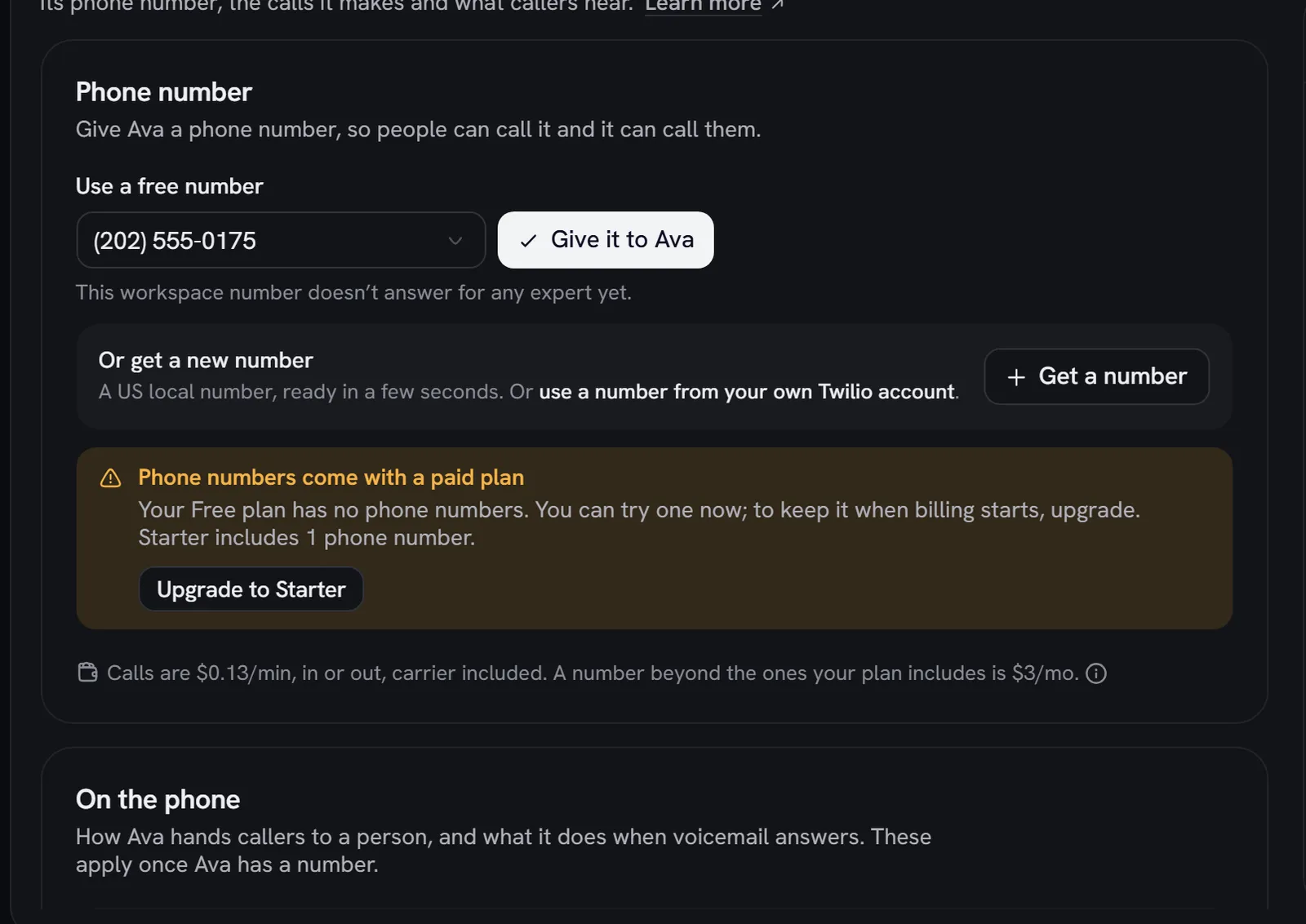
You can also start from the expert’s Phone tab. Numbers are US local numbers; toll-free numbers can’t be bought. A workspace can buy up to 5 numbers through Rydhm and import up to 50 from your own Twilio account. Numbers beyond your plan’s included ones cost $3 a month in credits, and the Free plan has none. See Billing.
Assign or release a number
Each row on Settings → Phone numbers has a picker for the expert that answers it. A number with No expert isn’t answered. An expert can have several numbers, and its oldest active number is its default caller ID.
Release gives a bought number up. Calls to it stop right away, and you may not get the same number back. Imported numbers show Remove from Rydhm instead and go back to your Twilio account.
Inbound calls
The assigned expert answers with its usual first message.
- Callers are anonymous. The expert uses its knowledge and web search, but not your workspace’s other tools. It says it’s an AI if asked.
- Calls last up to 20 minutes, then the expert says goodbye.
- Silence: after 25 seconds it asks “Are you still there?” and hangs up 15 seconds later.
- Missed calls: if no expert picks up within a few seconds, the call ends and the Missed phone calls alert tells your admins.
Calls appear in Conversations, for example “Call from (415) 555-0199”, and in Recent calls on the expert’s Phone tab.
Outbound calls
Enter the number
Under Call someone, type the Number to call. If the expert has more than one number, pick which one it Calls from.
Use Call me to test on your own phone, or Call back on a call in Conversations. The phone rings for up to 30 seconds, and the expert opens with: “Hi, this is (expert), an AI assistant calling from (workspace). Is now a good time to talk?” One-off calls are limited to 5 a minute and 20 an hour. To call a list, use Campaigns.
Transfer to a person
The expert transfers when a caller asks for a person or “someone real”, or when it can’t help. It’s a direct (cold) transfer: the expert says its line and hands the call over, with no introduction to your colleague. If nobody answers within 30 seconds, the caller stays with the expert. It tries at most twice per call.
Voicemail
Voicemail applies to calls the expert makes. On the Phone tab, When voicemail answers is Leave a message (the default) or Hang up.
Before speaking, the expert listens for a voicemail greeting or a beep; when unsure, it assumes a person. To leave a message, it waits for the beep and says The message (up to 500 characters). The default says who called and asks them to call back on your number. A custom message that doesn’t say it’s an AI gets “Hi, this is (expert), an AI assistant” added in front.
Hang up from the app
Admins can end any live call with Hang up: on the expert’s call card, on the call in Conversations, or under On the phone now on a campaign. The line drops within seconds.
US-only dialling
Experts call US numbers only. Rydhm refuses:
Puerto Rico and the US Virgin Islands can be called. Numbers can be typed in any common format, like (415) 555-0123 or +1 415 555 0123. Numbers on your Do not call list are refused with “This number asked not to be called.”
Phone calls cost $0.13 a minute, inbound or outbound. See Billing.