

Security
Roles
Every person in a workspace is an Owner, Admin or Member. Members use experts; admins set them up and manage the workspace; the owner can also delete it. Pages that are admin-only are hidden from members, and the API refuses the same actions. See Members and roles for the full table.
Settings → General also has a Session inactivity timeout: Never, or sign people out after 15 minutes up to 24 hours of inactivity.
API keys and scopes
Admins create API keys in Developers → API keys. A key looks like rydhm_live_<keyId>_<secret>. It’s shown once, then only as its last four characters. Keys belong to the workspace, not to a person, so they keep working when someone leaves.
A key reaches nothing by default. You grant it scopes:
Write includes read on the same resource. Meetings write does not include Send to meetings, because joining a call costs money and puts the expert in front of people outside your workspace. Billing, phone calls, campaigns, members and settings can’t be reached with a key at all. See Scopes for the exact scope names.
Under API key rules in Settings → General, admins can:
- disallow Never-expiring keys;
- set a Maximum key lifetime (30 days to 1 year);
- Disable unused keys after 30, 90 or 180 days unused.
Audit log
Settings → Audit log (admins) records who changed what: people, API keys, service accounts and Rydhm itself.
- It covers experts, knowledge, meetings, conversations, phone, tools, members, workspace settings, API keys, service accounts, webhooks, alerts and campaigns.
- Entries hold ids and field names, never message content or secrets. For example, an invitation records its role, not the email address.
- Filter by time range (up to a year), by area or action, and by who did it. Select Export CSV to download up to 50,000 rows.
- Entries are kept for one year.
Rydhm staff access
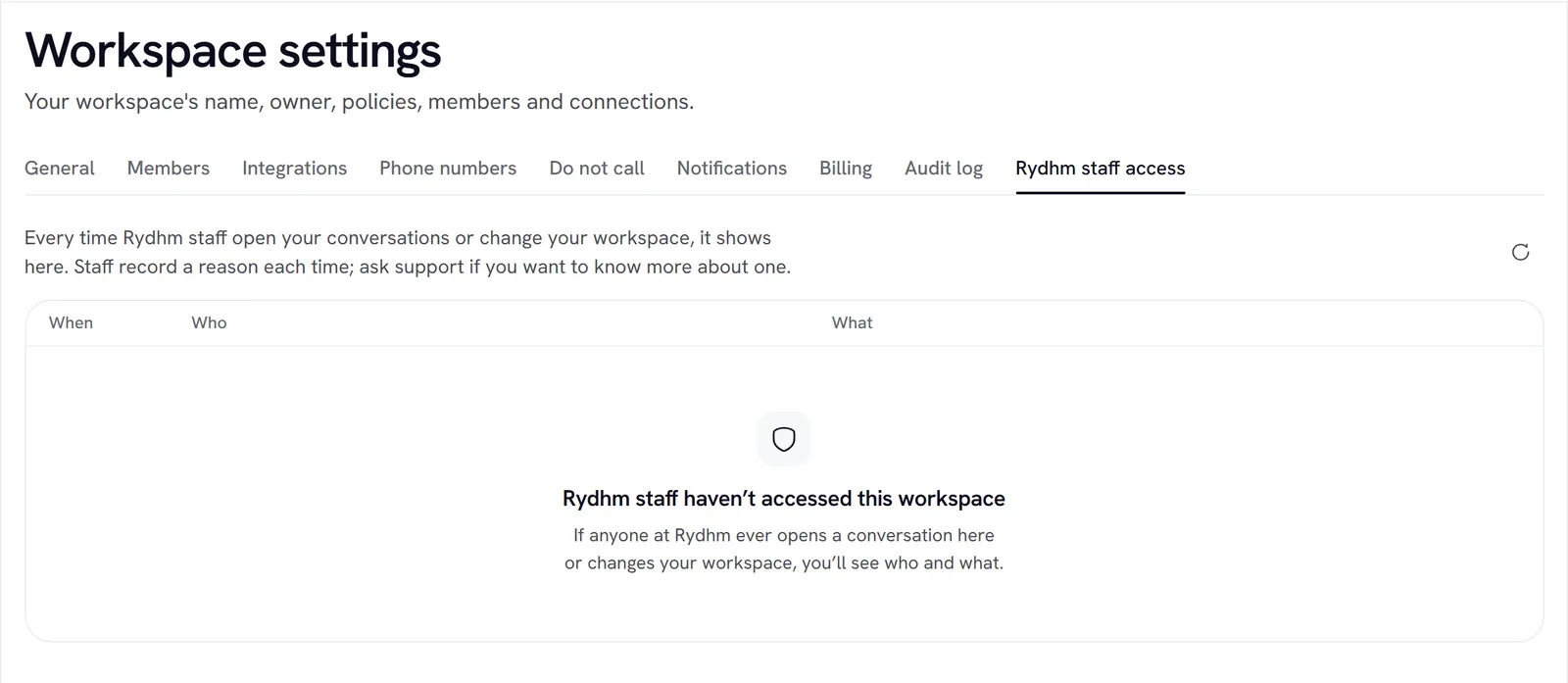
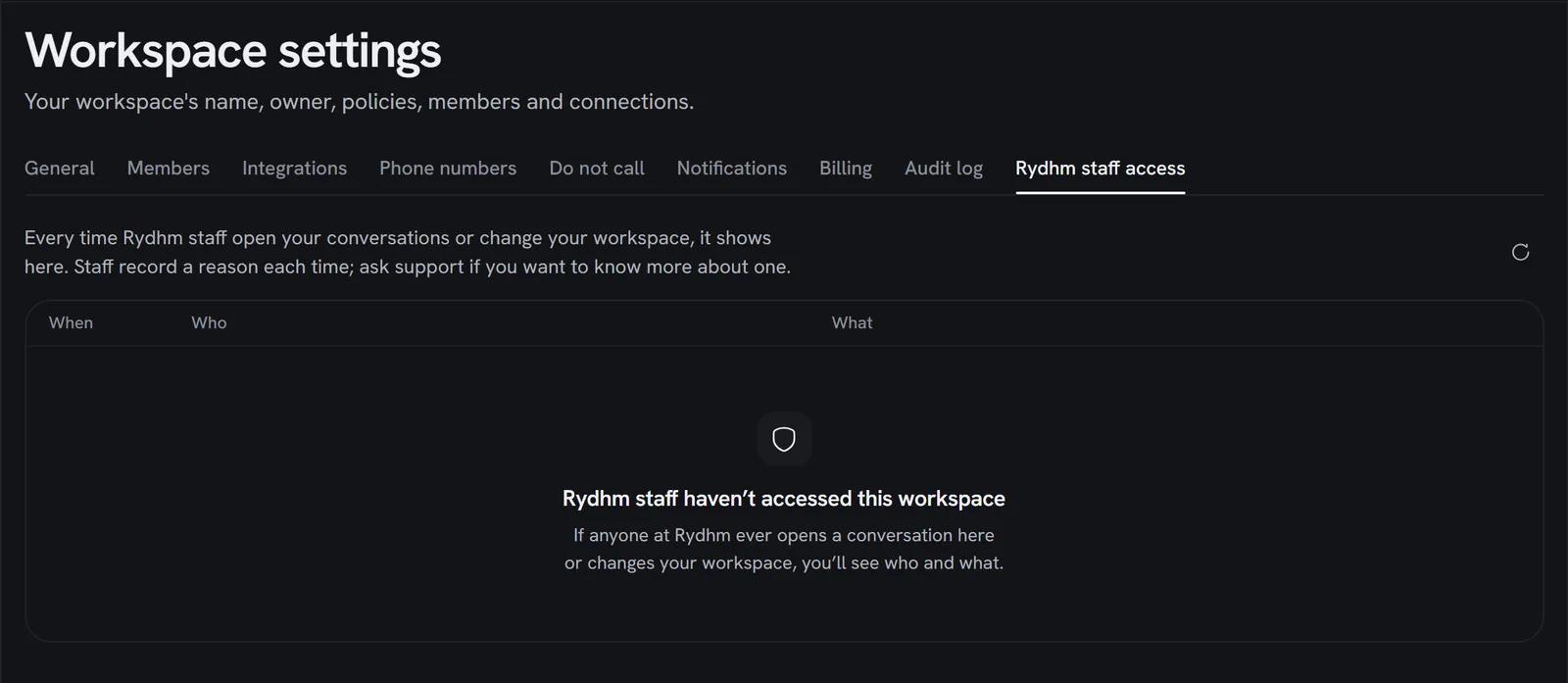
Settings → Rydhm staff access (admins) lists every time someone at Rydhm opened your workspace’s content or changed your workspace. You see:
- When it happened;
- Who: “Rydhm staff”, with the person’s first name;
- What: for example “Opened a conversation”, “Opened a call transcript”, “Opened a meeting transcript”, “Adjusted credits”, “Changed the plan”, “Ended a live call” or “Paused a campaign”.
Staff record a reason every time. Reasons stay inside Rydhm. If you want to know more about an entry, ask support. The list is read-only.
Data retention and deletion
Retention
Under Data retention in Settings → General, choose how long each kind of data is kept: Keep forever (the default), 30, 90 or 180 days, 1 year or 2 years.
Older data is deleted every night. The meetings themselves, usage totals, experts and knowledge are kept.
Deleting conversations
A deleted conversation, call or meeting can be undone for a few seconds. It’s hidden at once and erased for good after 30 days. See Conversations.
The owner can also Delete all conversation data under Danger zone in Settings → General. This deletes every conversation, voice call, meeting, transcript and summary for good. Experts, their knowledge and settings stay. It can’t be undone.
Deleting the workspace
Only the owner can delete the workspace, from Danger zone → Delete workspace, by typing its name to confirm.
- At once: API keys stop working, webhooks stop, scheduled meetings are cancelled and public pages stop answering.
- For 14 days: the owner can restore it from the same page.
- After 14 days: everything is erased for good, including exports.
To keep a copy first, export your data.
Safety screening of public messages
Messages that visitors send to your public experts, on share links and the website widget, are screened before the expert sees them. Prompt-injection attempts, abuse and spam are blocked; ordinary questions never are. A visitor with 3 blocked messages in 10 minutes must wait 15 minutes. Blocks show in Analytics and raise the Blocked visitor messages alert. See Chat for details.
How secrets are stored
- Provider keys, Twilio API key secrets, and Slack and PagerDuty alert destinations are encrypted with AES-256-GCM before they’re stored. They’re never shown again, only masked.
- Twilio Auth Tokens are used once and never stored.
- API keys are shown once, at creation or rotation.
- None of these are included in a workspace export.