

Website import
Website import reads the pages of a public website and stores each one as a document. The expert then answers from your site, and you refresh it when the site changes. Menus, footers, cookie banners and duplicate pages are left out.
Import a website
Open the import
On an expert’s Knowledge tab, choose Add → Add from a website. On the Knowledge page, choose Add website; at the top level, pick where it goes in Add to first.
Enter the address
Type the Website address, such as https://example.com. It must be a public website.
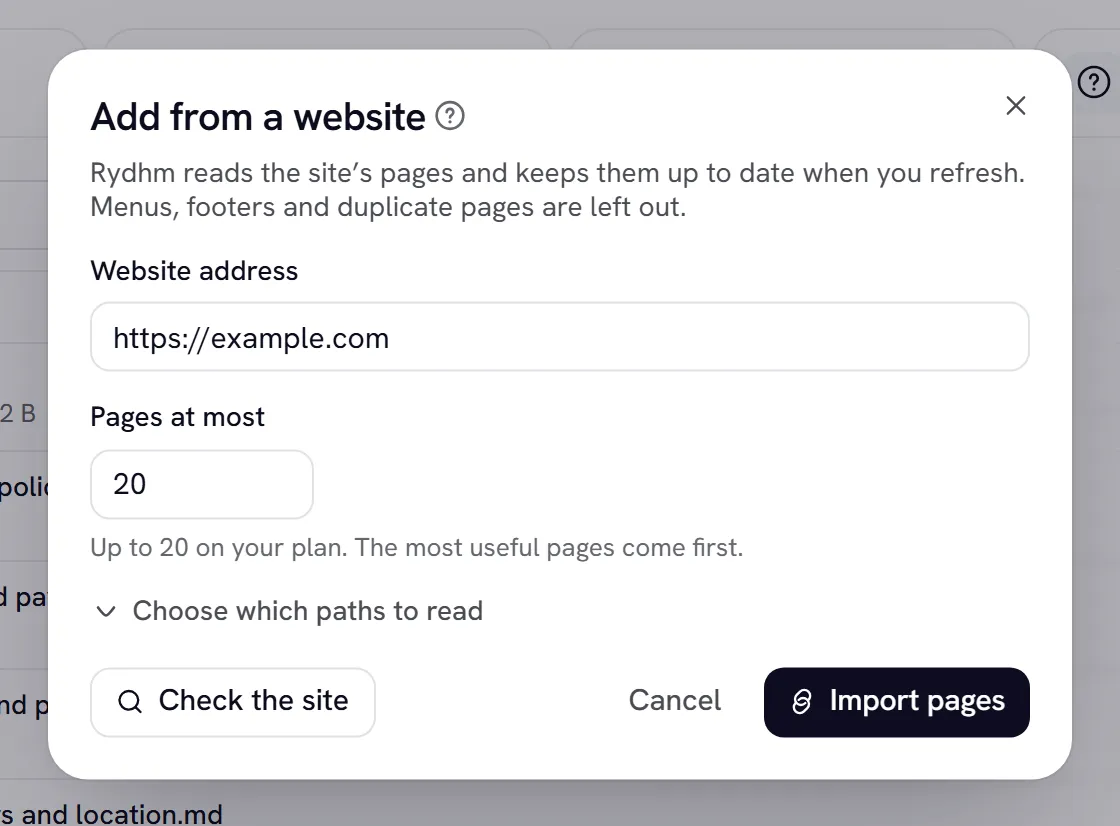
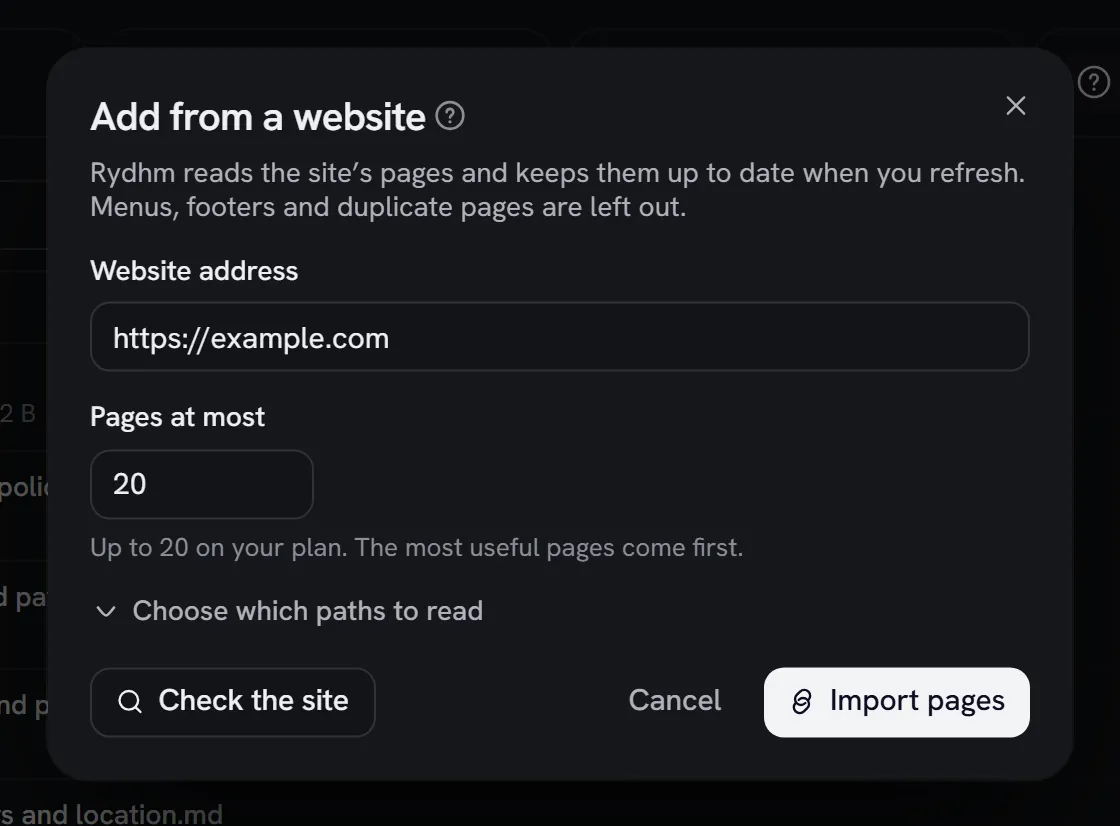
Set the page count
Pages at most caps how many pages this import reads (25 by default, up to your plan’s cap). The most useful pages come first.
Choose paths (optional)
Choose which paths to read opens two boxes, one path per line:
- Only these paths: read only these parts of the site.
- Skip these paths: leave these out.
Path patterns
A pasted full address keeps only its path. Matching ignores case. Up to 20 paths in each box, 200 characters each, with at most 5 * in one path.
Follow an import
Each website shows as a card with its address and status:
Open the card’s page list to see every page. If some pages couldn’t be read, N pages were skipped lists them with the reason. Each page is a document like any other, with its own status and Retry.
Refresh, stop or remove a site
- Refresh reads the site again. Unchanged pages are kept as they are, changed pages are replaced, new pages are added, and pages that are gone from the site are removed.
- Stop ends an import in progress.
- Remove (the delete icon) removes the site and all its pages, after you confirm.
On the Knowledge page, Sync websites refreshes every website in a folder, or in the whole workspace at the top level.
Limits
Pages per import, by plan:
- Imports and refreshes: up to 10 an hour per workspace, including Sync websites. Check the site has its own allowance of 30 an hour.
- Size: imported pages count toward your plan’s knowledge size. An import that would go past it fails with your plan’s message and adds nothing (once billing is switched on for your workspace). See Billing.
Gotchas
- Only public websites. IP addresses, local and internal host names, and addresses with a user name or password in them are refused. Pages behind a sign-in can’t be read.
- Robots rules are respected. Pages the site asks crawlers to skip aren’t read.
- A capped import never removes pages. If an import hit Pages at most, pages it didn’t reach are kept, not deleted. Only a complete import removes pages that are gone from the site.
- Pages that are almost the same are kept once, such as
/pricingand/pricing/. Very short pages are dropped. - Refreshing re-reads every page but only updates the ones that changed. To keep the expert current, refresh after you change your site.
- “Website import is not set up on this server” means import isn’t available in this environment. Contact support.