

Voice engines
Pipeline, Gemini Live or GPT-Live — what each is good at, how fast it answers, and what it costs.
The voice engine decides how an expert turns a caller’s speech into its own. You choose it on the Voice tab, under Voice and model → Voice engine. Each engine card shows an estimated pause before the expert starts to reply.
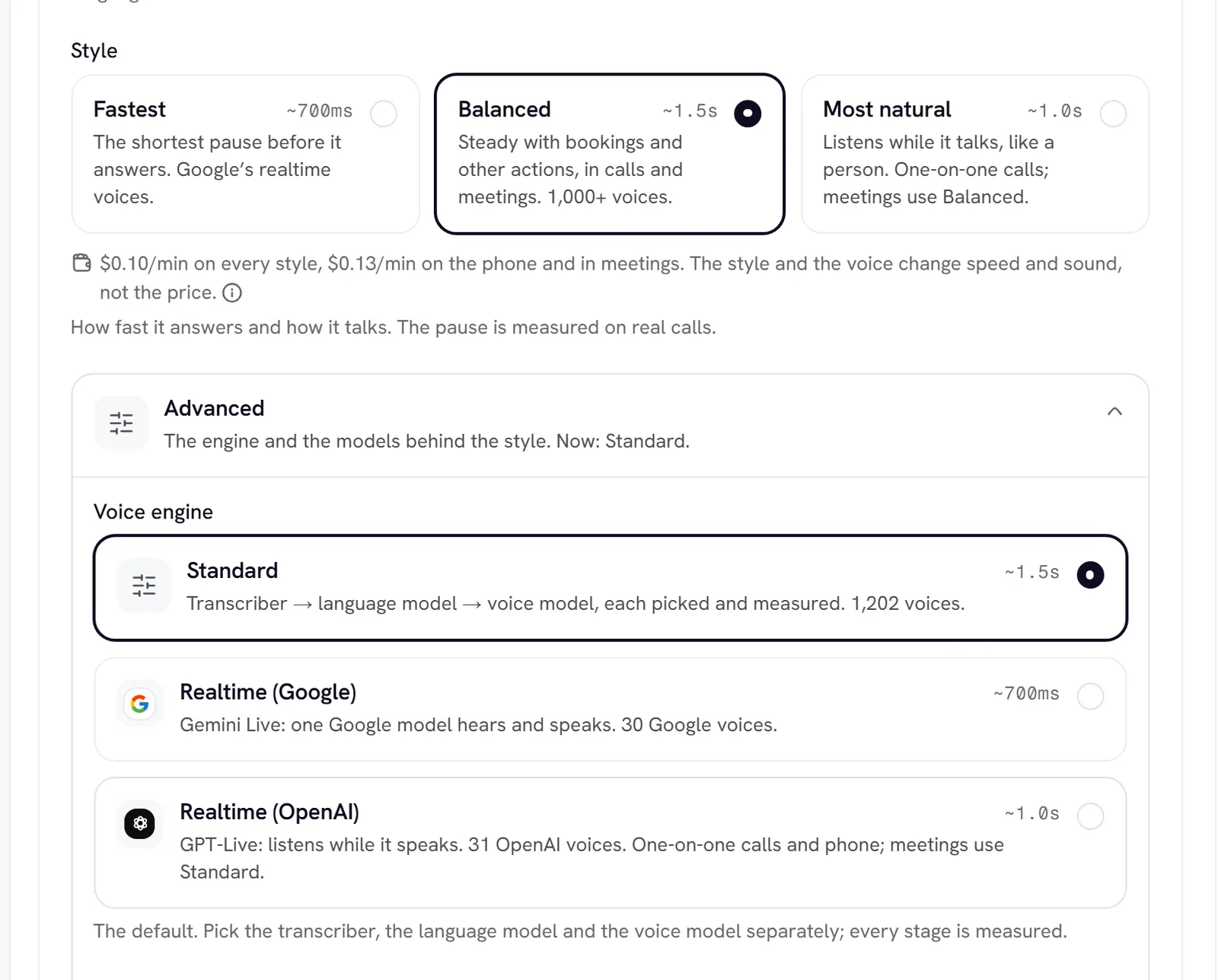
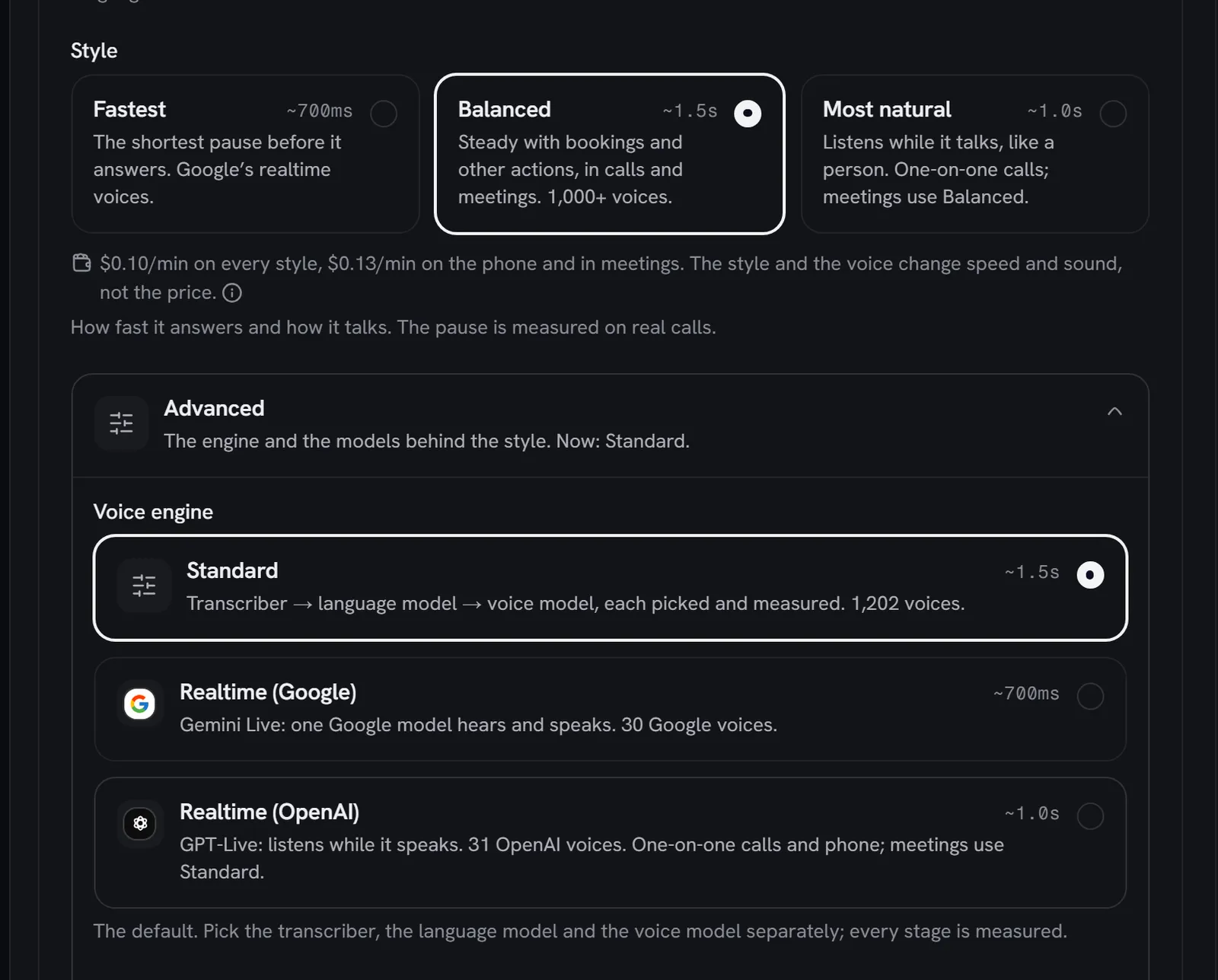
Pipeline is the default. Switching engine keeps the other engines’ settings on the expert, so switching back restores them exactly.
Pipeline
Choose the pipeline when you want control over every stage, the widest choice of voices, or the exact voice controls.
You pick three things:
- Speech-to-text: the transcriber. Deepgram Flux — English is the default and takes turns fastest. The others are Flux multilingual (for callers who mix languages in one sentence), Deepgram Nova-3 in English or multilingual, and Gemini 3.5 Transcribe Live, which detects any language.
- Language model: the model that writes each reply. The list groups models by provider (OpenAI, Anthropic, Google). Each row shows its typical and worst measured time to first word, and a cost tier: Lowest cost, Mid cost or Highest cost. New experts start on GPT-5.6 Luna. If you want Claude on voice, the picker recommends Claude Haiku 5.5.
- Voice model: Cartesia Sonic-3.6 (the default), Sonic-3.5 or Sonic-3, or Deepgram Aura-2 & Flux TTS. The voice you choose decides which.
Read the worst time, not just the typical one. Most models start in a similar band; their slowest turns differ far more, and the slowest turn is the one a caller remembers. The times are measured with a knowledge base in the prompt, the way experts really run.
If the provider of a model you picked announces its retirement, the field says when, and which model takes over, for example “Retires Jan 14, 2027, then runs as GPT-5.6 Luna.” The expert keeps working on the successor; nothing breaks on the day.
Gemini Live
Choose Gemini Live for quick, natural-sounding replies and for callers who switch language: it answers in the caller’s language by itself once you allow that language.
- One model (
gemini-3.8-live) hears and speaks. There is no language model or voice model to pick, so those fields are hidden. - Speech-to-text (meetings) stays: the transcriber decides when a caller’s turn has ended, and in meetings it decides when the expert is being addressed. Gemini only produces the voice.
- Voices come from Google’s set of 30. Each speaks whatever language the conversation is in.
- Speed, Tone and Pronunciations become instructions to the model, so it follows them closely but not exactly. There is no backup voice.
GPT-Live
Choose GPT-Live for the most natural one-on-one conversations. It listens while it speaks and decides for itself when to talk, pause or let the caller in.
-
One-on-one only. GPT-Live doesn’t join Meet, Teams or Zoom calls. In a meeting the expert runs the pipeline settings you set under In meetings: a Meeting voice, a transcriber, a language model and a voice model.
-
Thinking model: GPT-Live hands anything that needs reasoning or a tool to this model, and keeps talking while it works.
-
The voice stays the same for the whole conversation. Some voices are made for one language, such as Hindi, German, French, Japanese or Korean.
-
Voice previews take a few seconds.
Hear it before you save
At the bottom of Voice and model, Hear the first message plays the expert’s greeting in the voice and language a caller would get, with your voice controls applied. Beside it, Est. pause before reply shows the editor’s estimate for the whole setup. To see how fast your experts really answer, open Analytics.
Cost
Rydhm prices a call by the minute, and the minute price is the same whichever engine the expert uses. See Billing. The cost tiers on language models and the notes on thinking models compare what the models cost to run, to help you pick the cheapest one that does the job. If your workspace adds its own OpenAI or Google key, experts on that provider run on it. See Provider keys.
Gotchas
- Keep the pipeline settings sensible on every expert. If Google or OpenAI can’t be reached when a call starts, a Gemini Live or GPT-Live expert takes the call on the pipeline instead of staying silent.
- Languages and the transcriber move together. See Languages.
- A voice from another provider switches the engine. See Voices.