

Questions and answers
A questions and answers document is a list of question-and-answer pairs: the thing a sales or support team already keeps in a spreadsheet. When someone asks one of these questions, the expert answers with your words. Use it for pricing, policies, opening hours, and the objections you hear most.
Each pair is stored as its own passage. When the expert searches its knowledge and a caller’s question is close to one of your questions, that pair goes first, ahead of everything else it finds.
Add questions and answers
Open the editor
On an expert’s Knowledge tab, choose Add → Add questions and answers. On the Knowledge page, choose Add FAQ (at the top level, pick where it goes in Add to first).
Name the set
Give it a Name, such as Pricing questions. Without one it is called Questions and answers.
Write the pairs
For each row, fill:
- Question, as a caller would ask it;
- The answer, in the expert’s voice;
- Tags, comma-separated (optional).
Add a question adds a row. The trash icon removes one. The footer counts how many rows are filled.
Save
Choose Add to knowledge. The set appears under Questions and answers in the list, with how many questions it holds.
Check a match
Under Try a question, ask one of your questions in different words. The matching pair should come first, tagged Same question. See Search and sources.
Edit a set
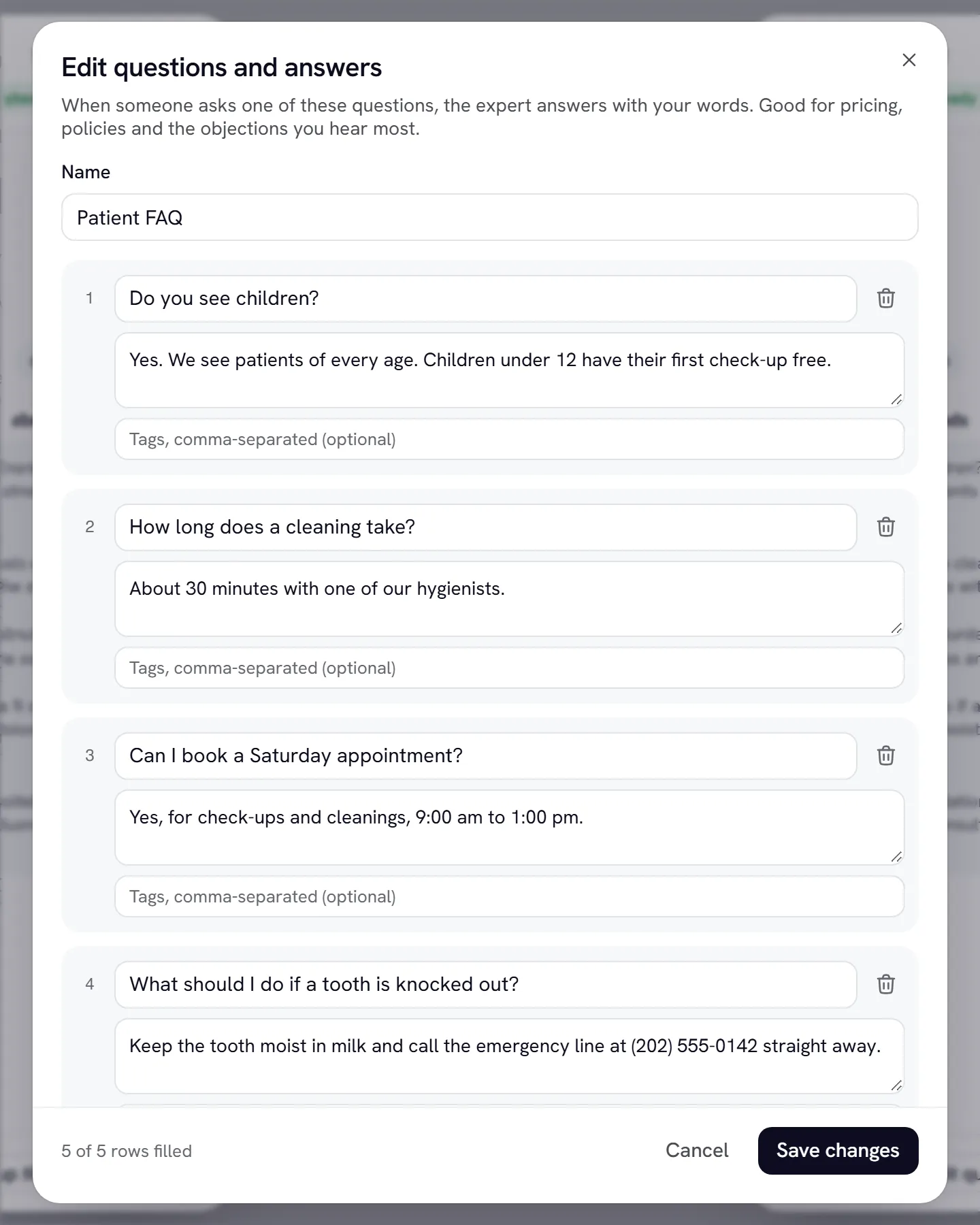
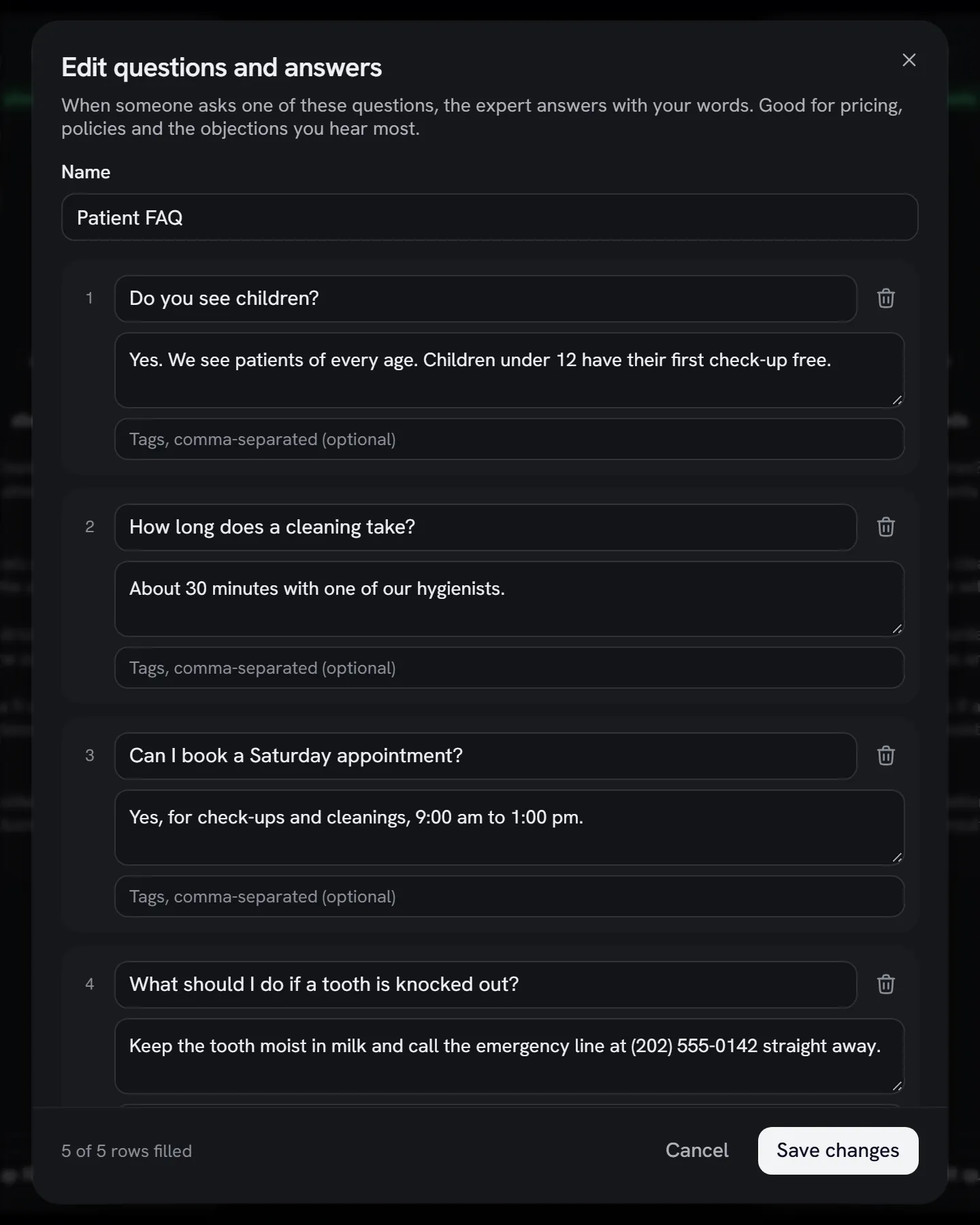
Choose the edit icon on the set’s row (or Edit questions on the Knowledge page). The editor opens with your rows. Change them and choose Save changes: the whole set is replaced, and the expert uses the new answers from its next conversation.
Limits
Write answers that work on a call
- Write the question the way people say it. “Do you have a free trial?” matches better than “Trial policy”.
- Keep answers short. On a call the expert speaks them aloud. One or two sentences is ideal; put the detail in a document instead.
- Write in the expert’s voice. The answer is what the expert says, so write “Yes, you can try it free for 14 days”, not “Trial: 14 days”.
- One question per row. If people ask the same thing two ways, add both as separate rows with the same answer.
- Use tags for grouping, such as pricing or refunds. They’re stored with the pair and the expert reads them with it.
What visitors see
In text chat, a reply grounded in a question-and-answer pair shows the matched question under Sources, on share links and the website widget too. Unlike uploaded file names, questions are meant to be seen by customers, so write them as you’d be happy to show them. See Search and sources.
Gotchas
- Every row needs both a question and an answer. A half-filled row stops the save and the editor says which. Empty rows are ignored.
- Repeat tags are kept once, and extra spaces are trimmed.
- Small experts read every pair on every call. The question-and-answer shape is what makes the expert answer with the matching pair. Large experts search for the closest pair first. See Knowledge overview.
- Your plan’s knowledge size counts these sets too. See Billing.