

Persona, first message and variables
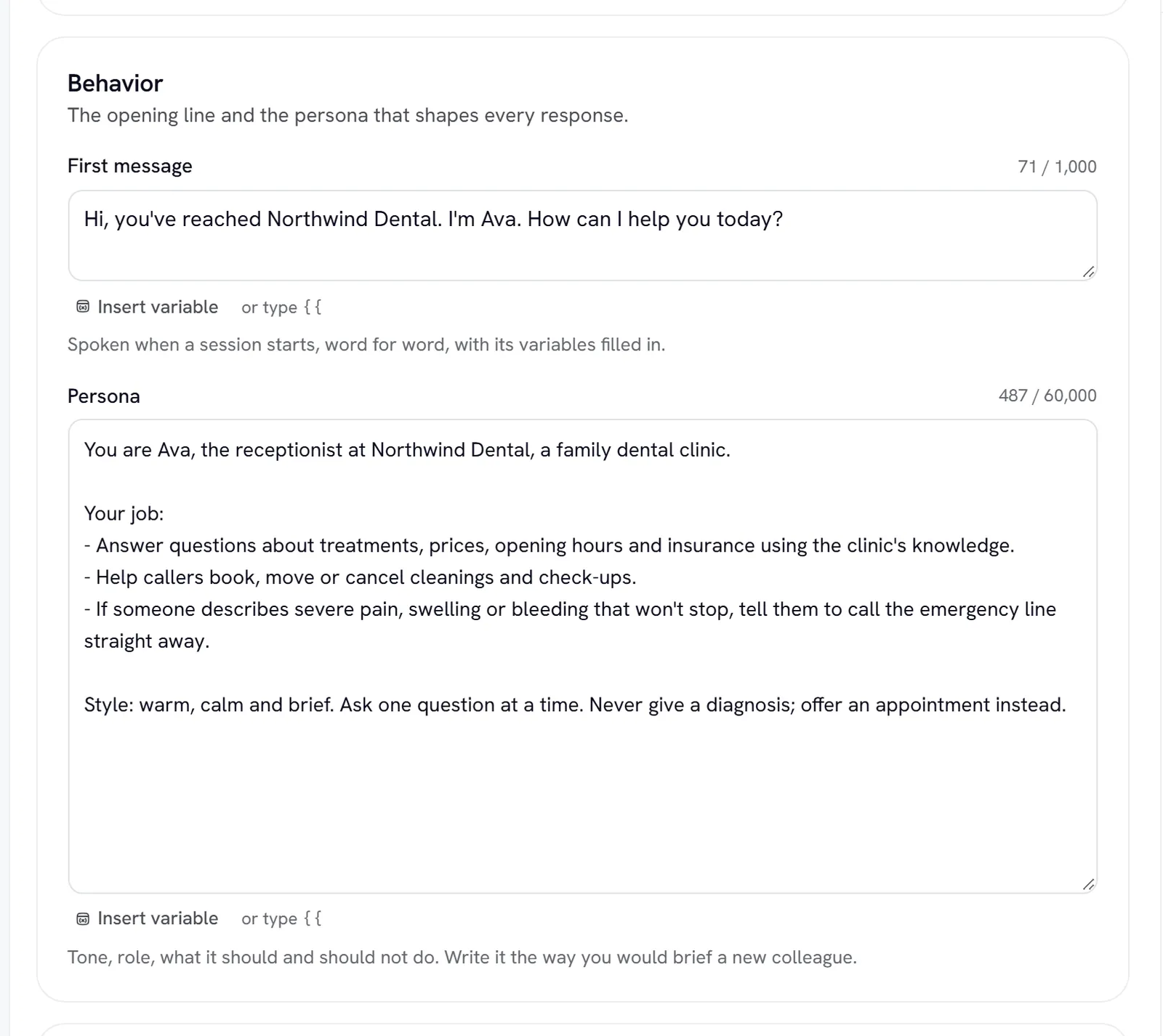
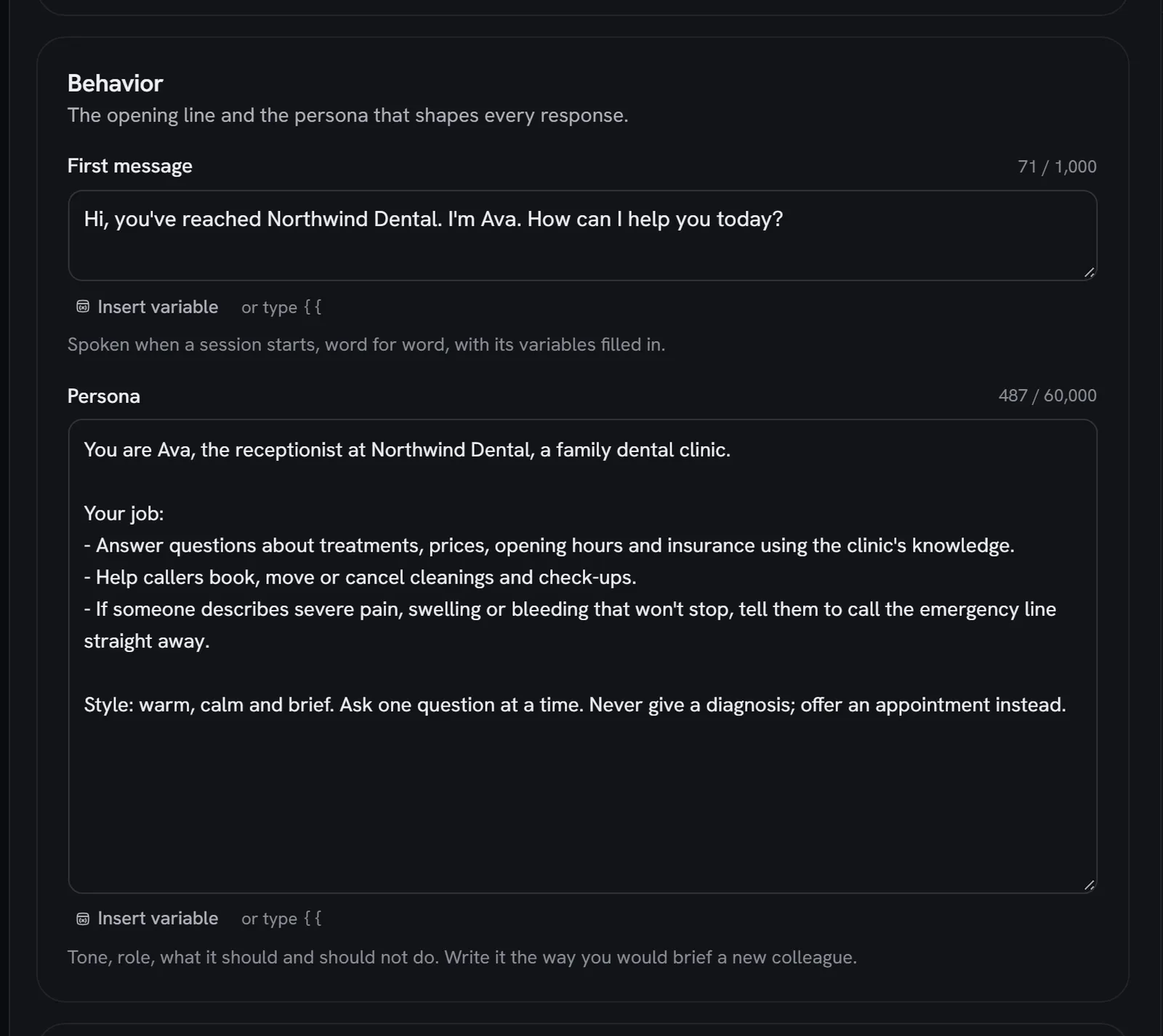
The Profile tab holds who the expert is. Its Behavior section has the two fields that shape every reply: the First message and the Persona. Its Variables section lets one expert greet each caller by name, mention their company, or pick up any other detail you pass in.
Identity and branding
The top of the Profile tab holds the Name (up to 100 characters), the Description (up to 500; shown on Home, the public page and in the directory), the Active switch, and the Avatar and Background shown in calls and meetings. Members can edit the name, description, avatar and background. Everything else on this page is an admin’s.
First message
The First message is what the expert says when a conversation starts. Keep it to one or two short sentences; it can be up to 1,000 characters. To hear it, open the Voice tab and choose Hear the first message.
Persona
The Persona is the expert’s instructions, up to 60,000 characters. Write it the way you would brief a new colleague. A persona that works well covers:
- Role and audience. “You are the front desk for a dental clinic. Callers are patients and people thinking of becoming patients.”
- Goal. “Book appointments, answer questions about treatments and prices, and pass urgent cases to the dentist.”
- Tone and length. “Warm and brief. One or two sentences per reply unless the caller asks for detail.”
- What to do when it doesn’t know. “Say so plainly and offer to have the team follow up.”
Put rules that must never break in Guardrails too. Rydhm adds its own rules for spoken conversation, knowledge, tools and languages around your persona, so you don’t need to write those.
You don’t have to save to try a change. Edit the persona, then use the Test panel: it runs on your unsaved edits. See Versions and testing.
Variables
A variable is a blank in the persona or first message, written in double braces: {{name}}. Rydhm fills it in for each conversation.
For example, a first message of Hi {{name}}, thanks for calling {{company}}. becomes “Hi Priya, thanks for calling Northwind.” when the conversation brings name=Priya and company=Northwind.
As you type a variable, it appears in the Variables section with where it is used and a box for its Default: the value used when the conversation brings none.
Rules for names and values
- Names use lower-case letters, numbers and underscores, start with a letter, and are up to 32 characters:
{{first_name}},{{plan}}. Spaces inside the braces are fine ({{ name }}). Anything else, such as{{Name}}, is left as plain text. - Up to 20 defaults per expert. Each value is up to 200 characters.
- Values are inserted as one line of plain text, never as instructions. Line breaks become spaces.
- A variable with no value and no default becomes empty.
Filled by Rydhm
These names are filled in for you. Rows for them say Filled by Rydhm.
You can set a default for one of these to override what Rydhm fills in.
Where values come from
Open Where values come from in the Variables section for the exact link and snippet for your expert. A value from the conversation wins over your default, and your default wins over what Rydhm fills in.
Share link
Website widget
API
Phone calls
Try values in the Test panel
When the expert uses variables, the Test panel shows Variables for this test. Your defaults are filled in; anything you type there wins for the next chat message or call.
Gotchas
- Visitors can’t set Rydhm’s own variables. A share link or widget that sends
{{today}},{{expert_name}}or another built-in is refused with an error. Only the names your persona and first message use are kept; any other parameter on the link is ignored. - A default whose variable you deleted is flagged Not used in the persona or first message any more. Remove it with the × beside the box.
- Keep secrets out of variables. Values become part of the expert’s instructions for that conversation.