

Search and sources
When an expert needs to look something up, Rydhm searches its knowledge for the passages that best answer the question: its own documents and every folder attached to it. This page explains how that search works, how to try it, and how answers show their sources.
When an expert searches
- Text chat searches on every message.
- Voice calls and meetings search on every turn only when the expert’s knowledge is too large to read whole. A small knowledge base goes into the expert’s instructions in full, so there is nothing to look up. See Knowledge overview.
Each search returns up to 6 passages. Only documents that are Ready are searched.
How the search finds passages
Rydhm combines three signals in one search:
- Meaning. Passages that say the same thing in other words, such as “Can I get my money back?” finding your refund policy.
- Words. Passages that contain the words of the question, with word endings handled (integrate finds integrations). This catches exact names, product codes and phone numbers that meaning alone can miss.
- Your questions. When the question is close to one of your questions and answers, that pair goes first.
Passages found by both meaning and words rank higher. A passage that only loosely matches by meaning is dropped, so the expert isn’t handed text that doesn’t answer the question. Word matching is tuned for English; knowledge in other languages is still found by meaning.
Try a question
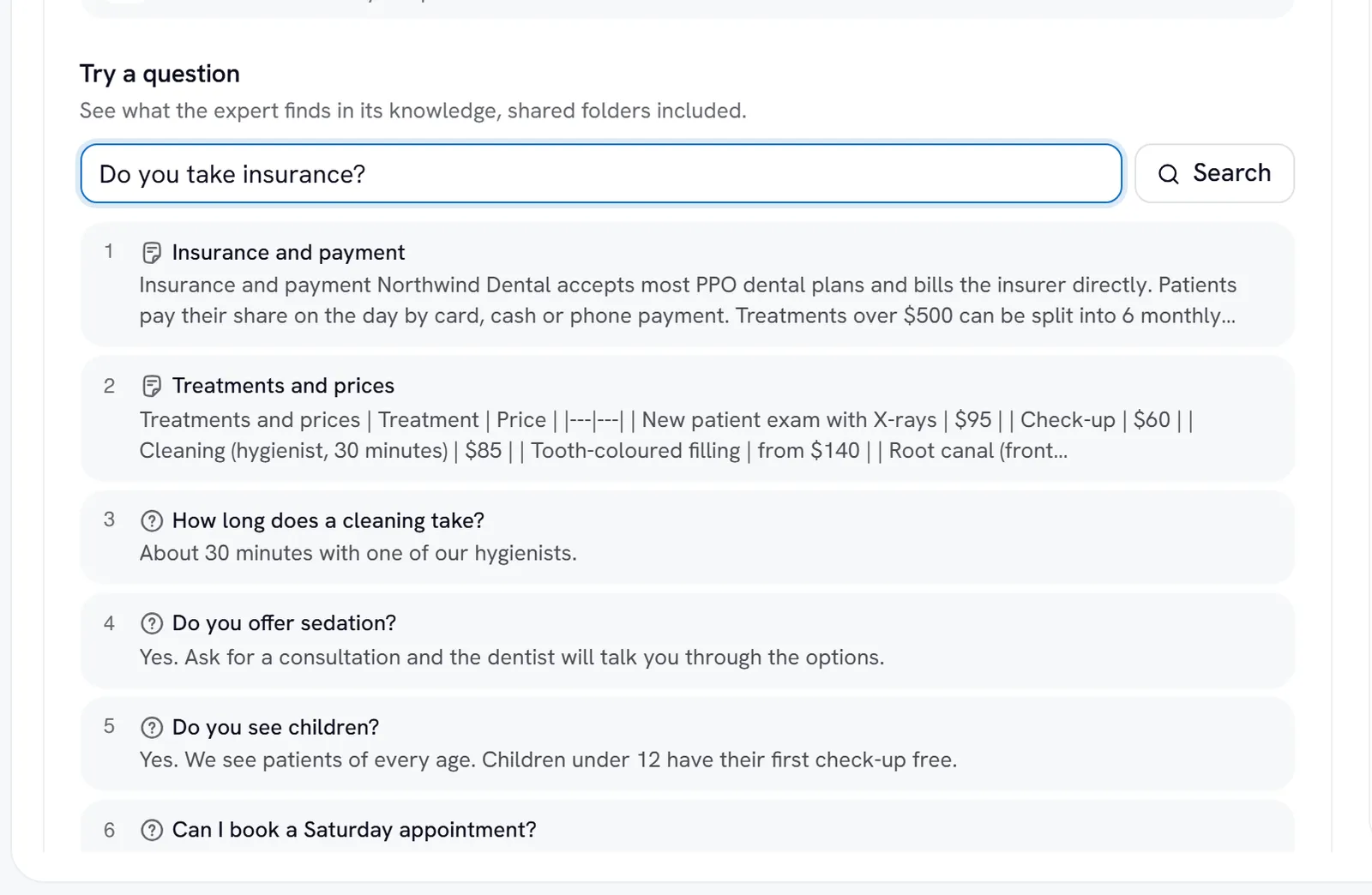
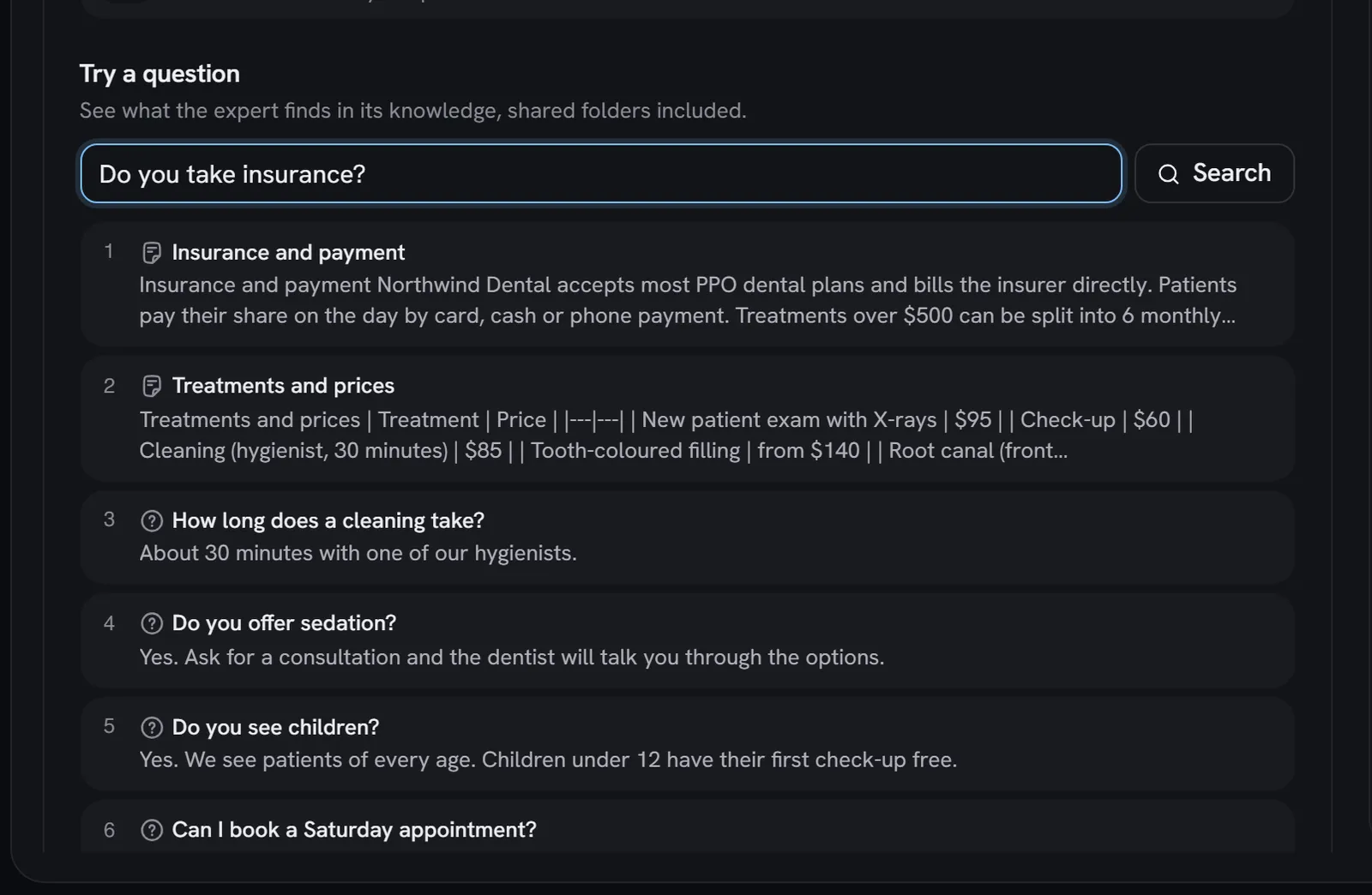
Every expert’s Knowledge tab has Try a question. It runs the same search a chat reply uses, over the expert’s own knowledge and its shared folders.
Use Try a question after every import or upload, before customers ask. It’s the fastest way to see whether a page landed and whether the right passage comes first.
Sources under a reply
In text chat, a reply grounded in knowledge shows a Sources row under it: a chip for each document the reply was given, best first, up to 5.
- A web page chip links to the page, in a new tab.
- A questions and answers chip shows the matched question.
- A file or text chip shows its name.
Sources show in the app’s chat, the Test panel’s chat, and the chat on share links and the website widget. They list the documents the reply was given, not a claim about which sentence came from which document. They appear live, as the reply arrives; a conversation you reopen later doesn’t show them.
Voice calls don’t show sources.
What visitors see
On a share link or the website widget, a visitor’s Sources row shows only:
- web pages, which are public anyway, and
- questions and answers, whose questions are written for customers.
The names of uploaded files and pasted text, such as objections.md or Competitor teardown.pdf, never reach a visitor. Their content can still ground the answer. Members of your workspace see every kind.
Search from the API
Search an expert’s knowledge with a key that has the knowledge:read scope:
Each hit carries the passage text, a score and its source document. See the API reference for the full shape.
Gotchas
- The library’s search box is different. Search knowledge… on the Knowledge page matches names, file names and page addresses, not the text inside documents. Use Try a question to search the text.
- Write knowledge the way customers ask. Clear headings and plain questions help both signals. Long, unstructured pages are harder to match.
- A new document isn’t searched until it’s Ready.